ACF blocks vs core Gutenberg blocks: which should you build with?
ACF blocks or core block.json? Compare build speed, editor UX, performance, migration and handover for agency WordPress builds — with a decision framework and…
verifiedReviewed by Tommy Smith,Content Director
ACF blocks store content in field groups you control via PHP templates; core block.json blocks use React attributes in post content. ACF blocks suit agency workflows with shared field libraries — core blocks suit distributable themes and simpler builds.
Both ACF blocks and core Gutenberg blocks produce native blocks that live in the standard editor — the difference is how you build them, who maintains them, and what happens when you migrate content in six months. For agencies shipping bespoke designs on a deadline, that difference is not academic. It shapes your dev stack, your editor handover, and whether a rebuild takes two days or two weeks.
We have rebuilt dozens of client sites onto ACF block libraries and helped teams evaluate core block.json for product themes. This guide is the comparison we wish existed when we were choosing — practical, opinionated where it matters, and grounded in what actually breaks on agency projects.
What both approaches share
Before the differences, the overlap. ACF blocks register as real Gutenberg blocks. They appear in the block inserter, persist in post_content as block comments, and render on the front end through a template. Core custom blocks do the same — they just define fields as block attributes in JavaScript rather than ACF field groups in PHP.
- arrow_rightBoth output block markup that Gutenberg understands — not shortcodes, not page-builder wrappers.
- arrow_rightBoth can be restricted to specific post types or templates via block allow-lists.
- arrow_rightBoth support inner blocks, alignment, and anchor IDs when configured.
- arrow_rightBoth are the destination format when you migrate off Elementor, Divi, or WPBakery.
Core Gutenberg blocks (block.json)
Core (and custom block.json) blocks are the WordPress-native way: you define a block in JavaScript/React with a block.json manifest, register attributes, and build an edit component that renders inside the canvas. They are the standard, they work without any plugin, and they give you a rich in-canvas editing experience — inline formatting, drag handles, live previews. The trade-off is tooling: building a custom one means a React build step, npm dependencies, and a developer who is comfortable in both PHP and JS.
Where core blocks excel
- arrow_rightProduct themes and plugins distributed on wordpress.org — no ACF dependency.
- arrow_rightBlocks where the editing experience is the product — interactive layouts, live typography controls.
- arrow_rightTeams with dedicated front-end developers who already run a @wordpress/scripts pipeline.
- arrow_rightSimple content blocks (pull quote, callout, stat) where attributes are flat and few.
Where core blocks hurt agency workflows
- arrow_rightRepeater fields and flexible layouts require custom React state — slower than ACF UI.
- arrow_rightEvery field change means a code deploy, not an ACF admin save.
- arrow_rightHandover to junior devs or client-side freelancers is harder without the ACF field UI.
- arrow_rightMigration tooling often maps more naturally to ACF field keys than to block attributes.
ACF blocks
ACF blocks register with acf_register_block_type() and render through a PHP template, with the editing fields defined in the ACF UI. For a PHP-first agency, that is dramatically faster: you design the fields by clicking, write a normal PHP template, and you have a branded block — no React build pipeline. The editor experience is sidebar-driven rather than fully in-canvas, but for structured sections (hero, card grid, testimonial slider) that is often what content editors prefer anyway.
Where ACF blocks excel
- arrow_rightBespoke client sites with complex repeaters — team members, FAQs, logo strips, pricing tiers.
- arrow_rightShared block libraries across a portfolio — one acf-json folder, many client themes.
- arrow_rightPHP teams who want version-controlled field definitions without maintaining a JS build.
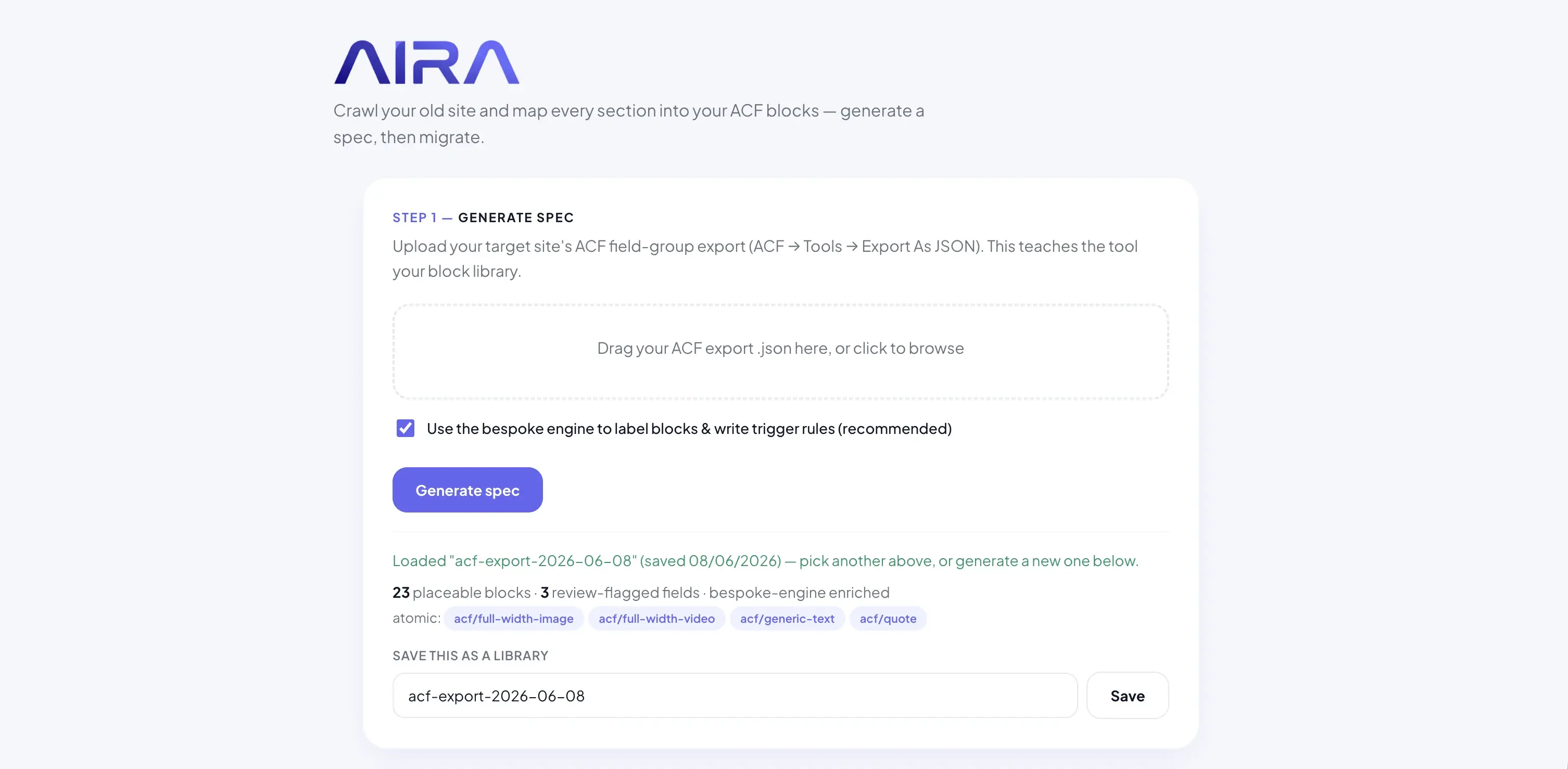
- arrow_rightContent migration: field keys in JSON exports are a stable mapping target for tools like AIRA.
The ACF Pro dependency
ACF blocks require ACF Pro. That is a line item on every client site — typically passed through as part of your build cost. For agencies running ten or twenty active client sites, the licence cost is predictable and usually cheaper than the dev hours saved on block development. For a free theme on the WordPress directory, it is a non-starter. Know which side of that line you are on before you commit.
Side-by-side comparison
| Feature | ACF blocks | Core block.json blocks |
|---|---|---|
| Build language | PHP + ACF UI | JavaScript / React |
| Build step required | cancel | Usually yes (@wordpress/scripts) |
| Speed to a custom block | Fast (hours) | Slower (days) |
| Repeater / flexible fields | Native in ACF UI | Custom React implementation |
| Needs a plugin | ACF Pro | cancel |
| Editor UX | Sidebar fields | In-canvas (richer) |
| Front-end performance | As lean as your template | As lean as your save() output |
| Migration mapping | Field keys in JSON export | Attribute schema in block.json |
| Best for | Bespoke agency builds | Distributable / product blocks |
Performance: the honest answer
Clients ask whether ACF blocks are slower than core blocks. On the front end, there is no meaningful difference — both output standard block markup, and performance is determined by your template, your asset enqueueing, and your image handling. ACF Pro loads in the admin; it does not ship a runtime to visitors. Where page builders hurt Core Web Vitals, both ACF and core blocks avoid that entirely. See why page builders slow WordPress sites for the builder comparison.
Editor experience and client handover
Core blocks win on in-canvas editing — what-you-see-is-what-you-get inside the block. ACF blocks win on field clarity — a hero block shows labelled fields for heading, subheading, image, and CTA rather than a single rich-text area that editors can accidentally break. For agency handover, we have found content editors adapt faster to labelled ACF fields, especially on repeaters. The training doc writes itself: 'Fill in Hero Heading, upload Hero Image.'
The hybrid approach many agencies adopt: core blocks for simple editorial content (paragraphs, headings, lists) and ACF blocks for designed sections the client should not freestyle. That keeps the inserter clean and prevents editors from rebuilding the homepage layout one misaligned column at a time.
Migration implications
Whichever you build with, migrating old content into them is the slow part of every rebuild. ACF blocks have a structural advantage: your field groups export as JSON with stable field keys, and migration tools can target those keys deterministically. Core block attributes can be mapped too, but the schema lives in JavaScript and changes to attribute names break imports silently. If you are planning a migration from a page builder, read how to migrate a WordPress site into ACF blocks and ACF JSON export explained before you finalise your block architecture.
Decision framework
- 1Is this a bespoke client site or a distributable theme/plugin? Client site → lean ACF. Product → lean core.
- 2Does the block need repeaters, flexible content, or relationship fields? ACF is faster to build and maintain.
- 3Is your team PHP-first or React-first? Match the stack to the team, not the other way around.
- 4Will you migrate content from a page builder? ACF field keys make mapping more reliable.
- 5Can you pass ACF Pro cost to the client? If yes, the build-speed advantage usually wins.
Pre-build checklist
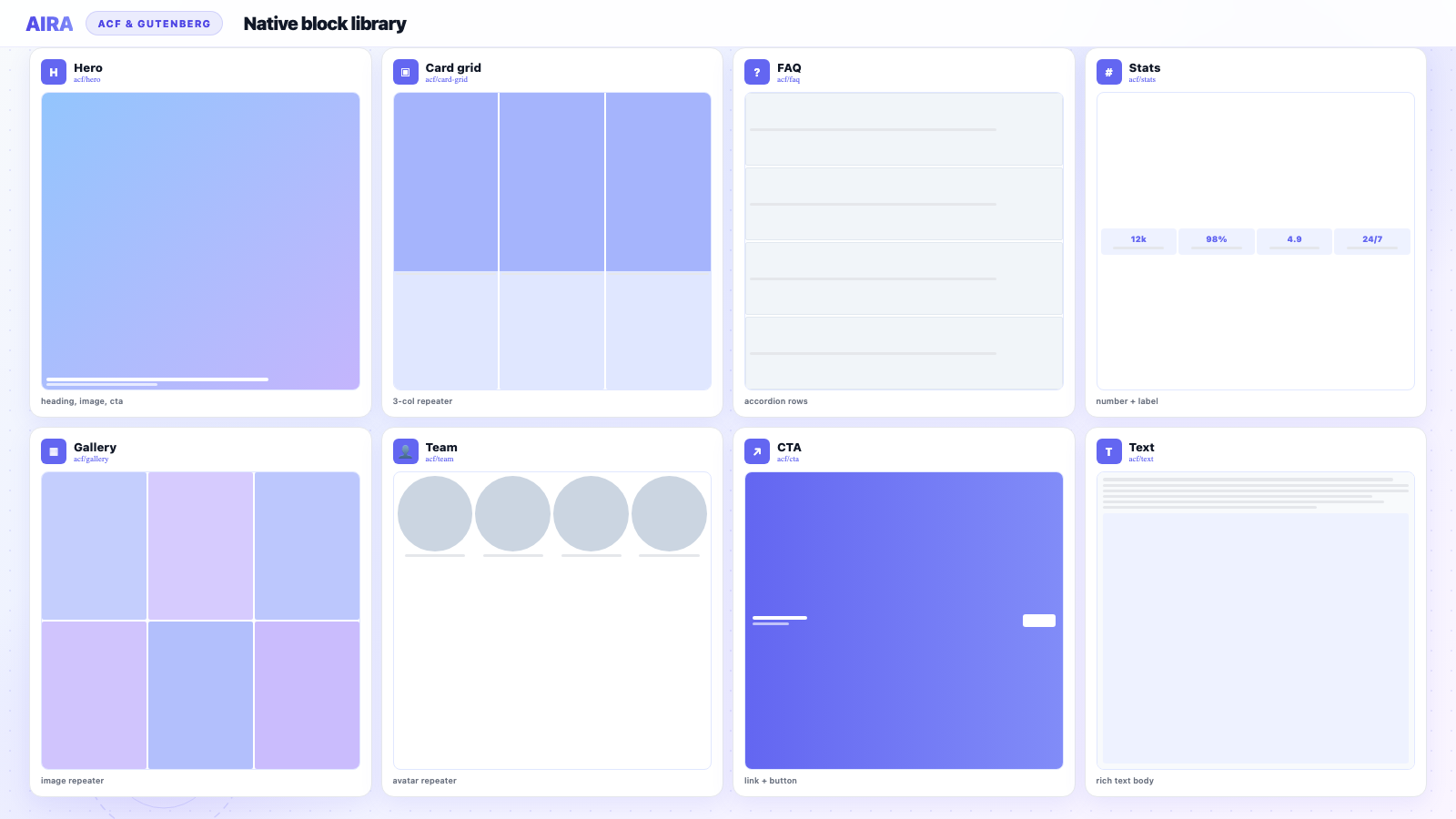
- 1Define your standard block library — hero, text, cards, stats, testimonial, FAQ, CTA, gallery.
- 2Choose ACF, core, or hybrid per block type and document the decision.
- 3Set up local JSON (acf-json/) if using ACF — version control field groups from day one.
- 4Register blocks on staging and test insert → fill → save → reload for every block.
- 5Export field groups / block.json before any migration crawl begins.
- 6Write a one-page editor guide showing which blocks exist and what each field does.
Common mistakes
- arrow_rightBuilding every block in React when the team only maintains PHP — blocks stagnate after launch.
- arrow_rightUsing ACF flexible content for everything instead of discrete blocks — harder to migrate and restrict.
- arrow_rightChanging field keys after the migration spec is built — imports land in empty fields.
- arrow_rightNo block allow-list on pages — editors insert twenty block types and the design drifts.
- arrow_rightAssuming ACF blocks need no front-end optimisation — you still control enqueueing and image sizes.
- arrow_rightSkipping the JSON export step — migration tools cannot guess your field structure.
The best block system is the one your team will actually maintain in year three — not the one that looked cleverest in the proposal.
Which should you use?
- arrow_rightChoose ACF blocks for client and agency sites where you want branded, field-driven blocks built fast in PHP.
- arrow_rightChoose core blocks when you are shipping a theme or plugin to the public and cannot assume ACF is installed.
- arrow_rightMany teams do both: core blocks for simple content, ACF blocks for the bespoke sections.
Real-world agency scenarios
Scenario 1: 40-page brochure site rebuild
A manufacturing client needs a new design on a bespoke theme. Eight block types cover every page: hero, text, features, stats, testimonial, logo strip, FAQ, CTA. ACF blocks let your PHP developer register all eight in a day, export JSON, and start migration the next morning. Core blocks would take a week of React work for the same library — time better spent on front-end templates.
Scenario 2: WordPress product theme for ThemeForest
You cannot require ACF Pro on a public theme. Core block.json blocks are the right call. Keep the block count lean, use theme.json for design tokens, and document the block library for buyers. Migration from buyer page builders is their problem — your blocks need to be self-contained.
Scenario 3: Portfolio of 15 client sites on different builders
Standardise on one ACF block library deployed via a shared plugin. Migrate Elementor, Divi, and WPBakery clients into the same hero block, the same card grid, the same testimonial repeater. One JSON export, one editor training doc, one support playbook. This is where agencies see the highest return on the ACF blocks decision.
Maintaining blocks in year two and beyond
The build-time decision matters less than the maintenance burden. ACF blocks age well when field groups live in Git via local JSON and templates stay in a blocks plugin. Core blocks age well when the @wordpress/scripts pipeline is documented and someone on the team owns npm updates. The failure mode for both is the same: blocks nobody dares touch because the original developer left and the build pipeline was never written down.
Ready to migrate content into whichever blocks you choose? AIRA pricing is per-page — crawl, classify, review, and import. Or explore our agency workflow if you are standardising a block library across a portfolio.
Frequently asked questions
Are ACF blocks real Gutenberg blocks?expand_more
Yes. ACF blocks register as native Gutenberg blocks and appear in the standard block inserter and editor. They are defined in PHP with ACF fields rather than in React with a block.json build step, but WordPress treats them as first-class blocks in post_content.
Do ACF blocks hurt performance compared to core blocks?expand_more
No meaningful difference on the front end — both output standard block markup. ACF Pro is required to register ACF blocks, but the rendered output is as lean as the PHP template you write. Performance problems come from page builders, not from ACF blocks.
Can I use ACF blocks without ACF Pro?expand_more
No. Block registration via acf_register_block_type() requires ACF Pro. ACF Free handles field groups on posts and options pages, but not custom blocks. Budget for the Pro licence on every client site that uses ACF blocks.
Should I use ACF flexible content or discrete ACF blocks?expand_more
Discrete blocks for most agency sites. Flexible content suits page-builder-style layouts where editors pick from a long list of layouts. Discrete blocks are easier to restrict, migrate, and style consistently. Use flexible content sparingly — usually for blog post layouts, not full pages.
How do I version-control ACF field groups?expand_more
Enable ACF local JSON by creating an acf-json folder in your theme or blocks plugin. ACF writes field group definitions to JSON files on save. Commit those files to Git. On deploy, ACF syncs the JSON to the database automatically.
Can I convert ACF blocks to core blocks later?expand_more
Technically yes, but it is a rewrite — field values in post meta do not map automatically to block attributes. If you think you will need core blocks eventually, decide early. Migration between the two formats is a manual or scripted job.
Do core blocks work better with the Site Editor?expand_more
Core blocks are designed for full-site editing and theme.json integration. ACF blocks work in the post editor and can be used in templates, but deep FSE integration is smoother with native block.json. For classic theme + post editor workflows — most agency client sites — this rarely matters.
What block library should I register before a migration?expand_more
At minimum: hero, text/rich-text, card grid, stats, testimonial, FAQ, CTA, gallery, logo strip, and team. Register every block the new design uses before crawling the old site. Migrating into a half-built library means reclassifying when you add blocks later.
How does AIRA know which ACF blocks to map to?expand_more
You upload your ACF JSON export. AIRA reads your block names, field keys, and field types to build a mapping spec. The classifier matches rendered page sections to your registered blocks and fills the correct fields. See ACF JSON export explained for the export step.
Is block.json the future — should I skip ACF?expand_more
Block.json is the WordPress-native direction, but ACF blocks remain the pragmatic choice for PHP agencies building bespoke client sites. WordPress is not dropping ACF compatibility. Choose based on your team and project type, not speculation about roadmap.

Ryan Hale
Head of Front End Development
Ryan Hale is Head of Front End Development at AIRA, where he leads the team building the engine that migrates WordPress sites into native ACF blocks. He has spent more than a decade building and rebuilding WordPress sites for agencies, with deep, hands-on expertise in Advanced Custom Fields, Gutenberg block development, and large-scale content migrations that protect search rankings. He writes about ACF, moving off page builders like Elementor and Divi, and the practical craft of shipping fast, maintainable WordPress rebuilds.
Reviewed to our editorial guidelines.