How to preserve SEOPress SEO during a WordPress migration
In-depth guide to migrating SEOPress titles, meta descriptions, schema, social tags, redirects and settings across a WordPress rebuild — including moves from…
verifiedReviewed by Tommy Smith,Content Director
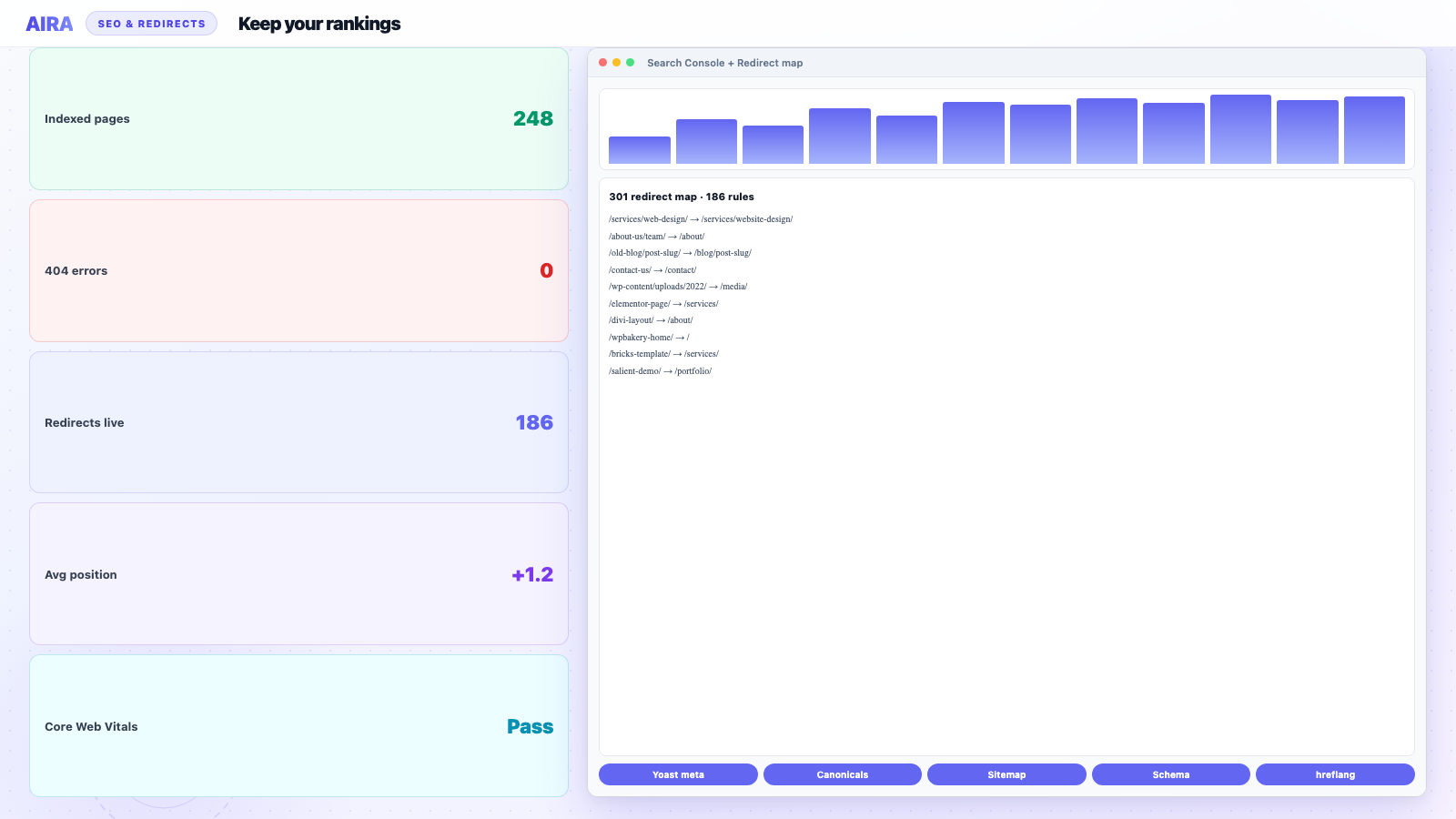
SEOPress stores SEO in _seopress_* post meta and global settings in wp_options — both need deliberate migration on rebuild. Import content with meta intact, reconfigure title templates and schema on staging, import redirect rules, and verify titles, canonicals and OG images on top-traffic URLs before launch.
SEOPress has become the SEO plugin many WordPress agencies deploy by default — lighter than Yoast, strong schema controls, no ranking keyword upsells, and a white-label friendly admin. When you rebuild a client site on a new theme and ACF block library, SEOPress does not come along for the ride automatically. Post-level titles, descriptions, Open Graph images, canonical URLs, robots directives, and schema graph pieces live in post meta with _seopress_ prefixes. Global settings — titles templates, social profiles, sitemap rules, 404 monitoring — live in wp_options. A migration that imports page content without a deliberate SEOPress pass leaves Google guessing, social shares showing wrong images, and redirects missing from the old Rank Math or Yoast setup. This guide is the complete SEOPress preservation playbook for agency rebuilds.
What SEOPress stores and where
| Data | Storage | Migrates with page crawl? |
|---|---|---|
| SEO title per post | post_meta _seopress_titles_title | Yes if bundle includes SEO |
| Meta description | post_meta _seopress_titles_desc | Yes if bundle includes SEO |
| Canonical URL | post_meta _seopress_robots_canonical | Partial — verify path |
| Robots noindex/nofollow | post_meta _seopress_robots_index | check_circle |
| Open Graph title/image/desc | post_meta _seopress_social_* | Images need sideload |
| Schema manual overrides | post_meta _seopress_analysis_* | Review per post |
| Global title templates | wp_options seopress_titles_option_name | Manual reconfigure |
| XML sitemap settings | wp_options | Reconfigure on new site |
| Redirect rules | wp_options / CPT depending on addon | Export separately |
AIRA migration bundles target Yoast and Rank Math field keys by default in many workflows — confirm your import pipeline maps SEOPress meta or run a post-import script to copy meta keys if the client already used SEOPress on the old site. If they are switching TO SEOPress on the new site from Yoast, see the plugin importers below.
Scenario A: SEOPress on old and new site
- 1Install SEOPress (and Pro if used) on staging before content import.
- 2Import pages/posts with meta intact via WXR or AIRA bundle.
- 3Verify _seopress_* meta keys exist on sample posts: wp post meta list POST_ID.
- 4Reconfigure global titles under SEO → Titles & Metas to match new site structure.
- 5Regenerate XML sitemap; submit new sitemap URL in Search Console.
- 6Re-run Content Analysis on top-traffic pages after URL changes.
- 7Import redirect rules or rebuild from redirect map spreadsheet.
Scenario B: Migrating from Yoast to SEOPress
SEOPress includes import tools for Yoast SEO metadata. On the new staging site after WXR content import with Yoast meta still attached, run SEOPress → Tools → Import from Yoast SEO. This maps _yoast_wpseo_title, _yoast_wpseo_metadesc, and related keys into SEOPress fields. Verify on ten high-traffic URLs before bulk-trusting. Open Graph and schema may need manual tuning — Yoast social meta does not always map one-to-one.
Scenario C: Migrating from Rank Math to SEOPress
Rank Math stores rich meta under rank_math_* keys. SEOPress does not ship a one-click Rank Math importer comparable to Yoast — plan a scripted migration or manual re-entry for top pages. Export Rank Math meta via SQL or WP-CLI, transform keys to SEOPress equivalents, and batch update. Priority order: title, description, canonical, noindex flag, schema type. See our Rank Math preservation guide for what Rank Math stored on the old site.
Schema and rich results
SEOPress Pro enables advanced schema: Organization, LocalBusiness, FAQPage, Article, Product, and custom graphs. After migration, run Google Rich Results Test on: homepage (Organization), a blog post (Article), FAQ page (FAQPage), and any Product or Service pages. Compare JSON-LD output old vs new — schema that lived in the old theme's header.php does not migrate via post meta; rebuild in SEOPress global settings or theme.
FAQ schema on ACF blocks
If FAQ content now lives in an ACF FAQ block repeater, SEOPress may not auto-detect it for FAQ schema. Configure automatic schema rules or add FAQ schema manually on pages with accordion blocks. Validate after launch — FAQ rich results regressions are silent until Search Console shows declining impressions.
Social and Open Graph
- arrow_rightSet default OG image in SEOPress social settings — new theme may lack theme_screenshot fallback.
- arrow_rightPer-post OG images: sideload during migration; verify meta points at new attachment ID not old URL.
- arrow_rightTwitter card type: summary_large_image for most agency sites.
- arrow_rightVerify LinkedIn and Slack previews using their debugger tools post-launch.
Redirects and 404 monitoring
SEOPress Pro includes a redirect manager. Import your redirect map CSV before launch — regex redirects for /blog/* to /insights/* patterns save hours of manual entry. Enable 404 logging on staging during QA; fix sources before go-live. After launch, monitor 404 log weekly for four weeks per post-launch monitoring.
SEOPress vs content migration tools
When AIRA commits a page bundle, SEO fields for crawled URLs migrate into the active SEO plugin format configured in the importer — confirm SEOPress is selected if that is the client standard. Titles and descriptions from the old rendered page may differ from what SEOPress meta had in the database — the database meta is usually authoritative for SEO; override auto-captured values if the crawl picked visible H1 text instead of the SEO title.
Pre-launch verification checklist
- 1Spot-check 20 URLs: view source, confirm title and meta description match old site or approved new copy.
- 2Canonical tags self-reference correct HTTPS URL.
- 3noindex only on intended pages (thank-you, internal search, staging leftovers).
- 4robots.txt allows crawling; references SEOPress sitemap index.
- 5Sitemap excludes noindex posts and internal post types not meant for Google.
- 6Breadcrumbs display correctly with new URL structure.
- 7hreflang tags present if multilingual — SEOPress + translation plugin alignment.
- 8404 and redirect test on every changed slug from old sitemap export.
Broader SEO context: rebuild without losing SEO, Yoast preservation, Rank Math guide.
Local SEO and LocalBusiness schema
Multi-location clients often store NAP data (name, address, phone) in SEOPress Local Business settings or per-location CPT entries. Rebuild Google Business Profile links, map embeds, and opening hours schema after migration — LocalBusiness JSON-LD with wrong coordinates hurts map pack visibility. If each location was a CPT single, migrate those URLs with the CPT guide and validate local schema on each.
SEOPress with WooCommerce
Product schema on WooCommerce pages may come from SEOPress, WooCommerce core, or both — disable duplicate product schema sources to avoid Google Search Console warnings. Product meta titles on high-SKU stores rarely need hand migration; category and brand landing pages do. After WooCommerce rebuild, re-run SEOPress Content Analysis on shop archive and top product URLs.
Technical SEO settings to reconfigure
- arrow_rightTitles & metas templates for post types — especially CPTs with new slugs.
- arrow_rightAdvanced security headers and referrer policy if SEOPress Pro manages them.
- arrow_rightGoogle Analytics and Matomo tracking IDs in SEOPress integrations.
- arrow_rightInstant indexing API credentials — regenerate if domain property changed.
- arrow_rightAttachment and media redirect settings for old upload URL patterns.
- arrow_rightNoindex on thin archives (tags, date) — align with new IA decisions.
Post-launch SEOPress monitoring
Week one: Search Console Coverage for 'Submitted URL not indexed' spikes. Week two: compare average position on top twenty queries vs pre-launch baseline. SEOPress 404 log plus server logs catch redirect gaps. Set a calendar reminder at day thirty to export redirect rules as backup — clients add manual redirects in admin that never make it back to the agency repo.
Worked example: Yoast to SEOPress on a law firm rebuild
A law firm site has ninety pages, twelve practice-area landing pages with custom Yoast titles, LocalBusiness schema on homepage, and FAQ schema on three service pages. Rebuild on new theme with SEOPress as standard. Steps: WXR import content with Yoast meta intact; run SEOPress Yoast importer on staging; manually fix practice-area titles that used Yoast variables (%sep% %sitename%) — SEOPress uses different syntax; rebuild LocalBusiness in SEOPress global settings with new phone number client provided mid-project; validate FAQ schema still matches visible FAQ block content after ACF migration; import two hundred forty redirect rules from spreadsheet; submit sitemap day one post-launch. SEO pass alone: two focused days for a developer who knows the plugin — not a ten-minute tick box.
SEOPress white-label and client access
Agencies white-label SEOPress for client admin. After handover, restrict who can edit global SEO settings vs per-page meta — accidental 'noindex entire site' toggles happen. Document which role sees SEOPress menus and include SEO settings in the migration QA checklist client training session.
Duplicate meta and plugin conflicts
Running Yoast and SEOPress simultaneously produces duplicate meta tags — pick one before launch. Theme frameworks (Genesis, some bundled SEO in theme options) may output titles independently — disable theme SEO features when SEOPress manages titles. WooCommerce and SEOPress both can output product schema — configure a single source. View source on staging; count title tags — there should be exactly one.
Content analysis and readability scores
SEOPress Content Analysis scores pages against focus keywords. After migration, bulk scores may drop because focus keywords did not import or because URL slug changes broke the keyword-to-content match editors relied on. Re-run analysis on top twenty URLs; reassign focus keywords where needed. Do not chase green bullets at the expense of good titles the client already ranked with.
Other SEO and launch guides
SEOPress is one plugin in the stack — compare Yoast and Rank Math if clients switch. Redirect rules belong in SEOPress Pro or your redirect map CSV. CPT singles need per-URL title templates — coordinate with CPT migration. Overview: rebuild without losing SEO.
Frequently asked questions
Does SEOPress have a Yoast importer?expand_more
Yes — SEOPress includes a built-in Yoast SEO import tool under SEO → Tools. Run it on staging after content import while Yoast meta is still present on posts, then deactivate Yoast. Re-verify Open Graph images after import — Yoast social fields do not always map perfectly to SEOPress equivalents.
Will WXR export include SEOPress meta?expand_more
Yes — post meta exports with posts in WXR format. Import on a site with SEOPress active; meta keys should attach to the correct posts if slugs and post types match.
How do I migrate SEOPress redirect rules?expand_more
Export redirects from the old SEOPress install (CSV where available) or rebuild from your redirect map spreadsheet. Import via SEOPress Pro redirect manager before DNS cutover.
AIRA supports Yoast and Rank Math — what about SEOPress?expand_more
Confirm your ACF Migrate importer settings target SEOPress for the client project. If migrating from another plugin, use SEOPress import tools or a custom meta key mapping script on staging before launch.

Ryan Hale
Head of Front End Development
Ryan Hale is Head of Front End Development at AIRA, where he leads the team building the engine that migrates WordPress sites into native ACF blocks. He has spent more than a decade building and rebuilding WordPress sites for agencies, with deep, hands-on expertise in Advanced Custom Fields, Gutenberg block development, and large-scale content migrations that protect search rankings. He writes about ACF, moving off page builders like Elementor and Divi, and the practical craft of shipping fast, maintainable WordPress rebuilds.
Reviewed to our editorial guidelines.