The WordPress migration QA checklist (every check, explained)
Complete pre-launch QA checklist for WordPress migrations — content, media, redirects, SEO, forms and performance. Every check explained with fixes.
verifiedReviewed by Tommy Smith,Content Director
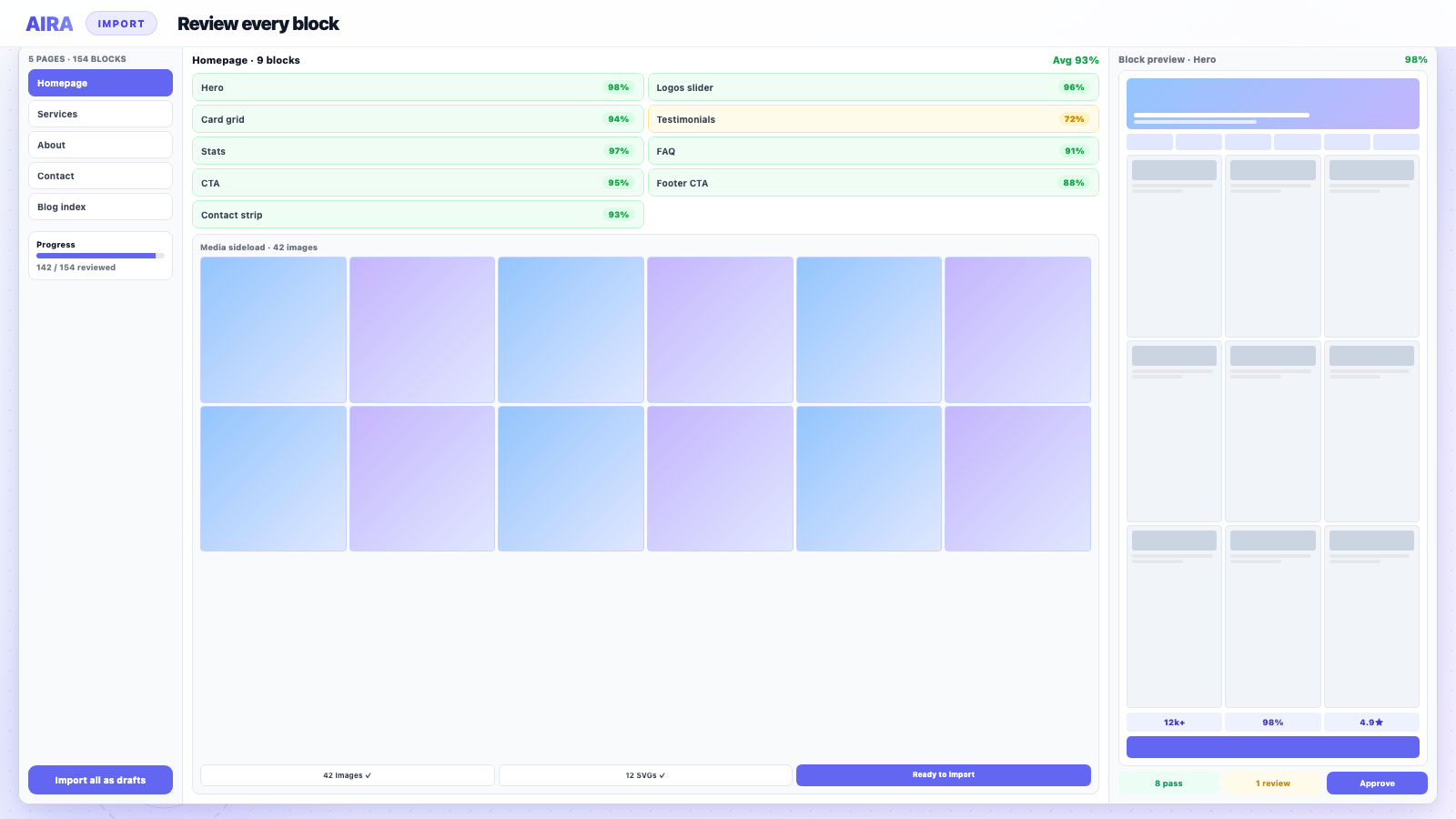
Post-migration QA: crawl for 404s and redirect chains, spot-check key pages side-by-side with the old site, verify Yoast/Rank Math meta, test forms and menus on mobile, and monitor Search Console indexed pages for four weeks.
Who this is for
- Agencies: Client sign-off gates before DNS cutover on paid rebuilds.
- Freelancers: A printable list so nothing slips on solo projects.
- Developers: Staging verification of blocks, media, forms, and SEO meta.
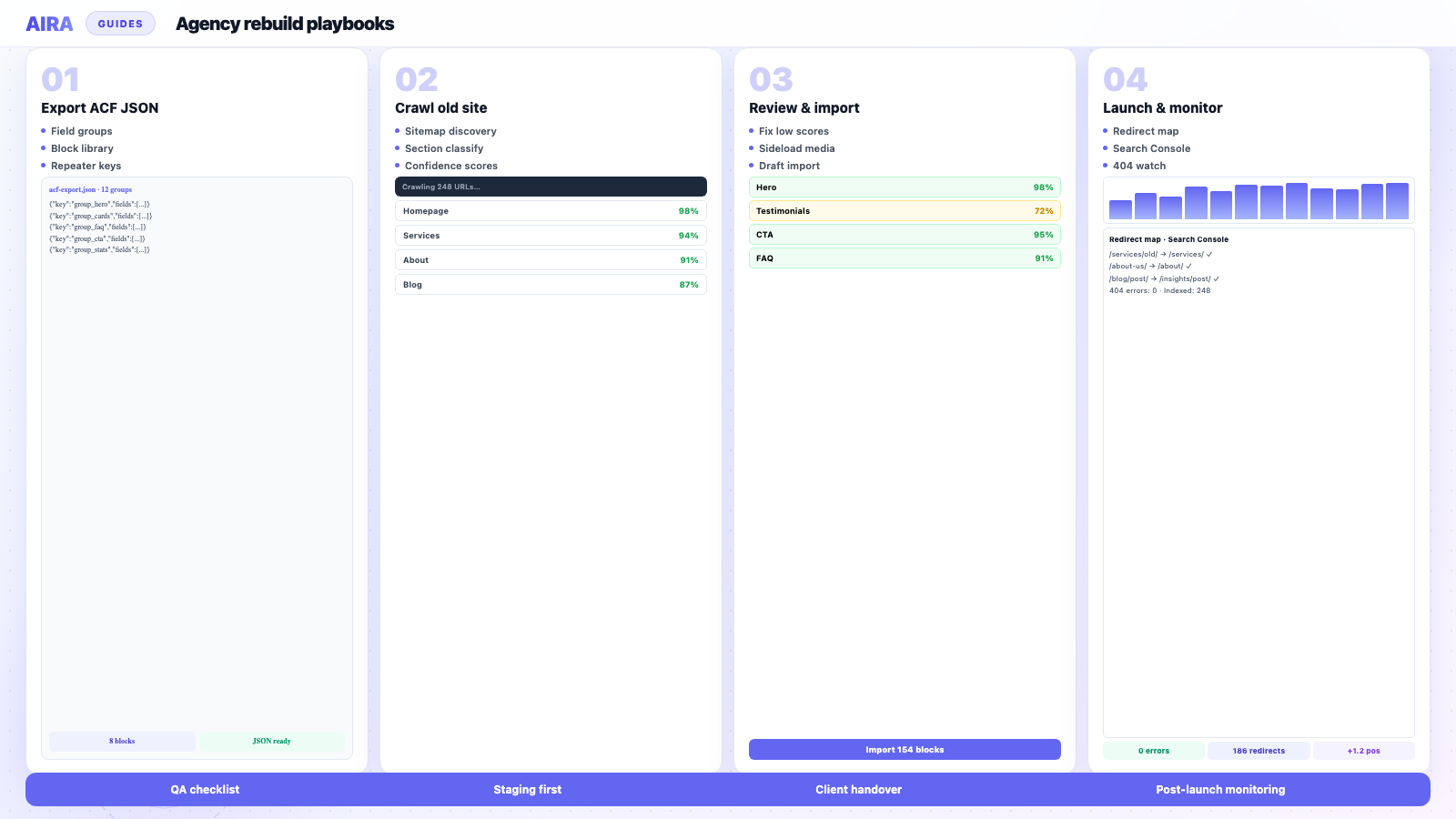
Steps at a glance
- Block QA — repeaters, images, and low-confidence sections on sample pages.
- Link QA — internal links, menus, and footer CTAs.
- SEO QA — titles, canonicals, schema, and redirect spot-checks.
- Post-launch monitoring — Search Console, analytics, and 404 logs.
Most migration failures don't show up in the migration tool — they show up when a client clicks an old bookmark, Googlebot hits a 404, or a form silently stops sending leads. QA is the stage that catches those before anyone outside the agency sees them. This checklist is the one we run on every rebuild: not a vague 'check the site looks okay', but a structured pass with a fix for every failure mode we've seen on real client launches.
Before you start QA
- arrow_rightQA runs on staging that mirrors production: same PHP version, permalink structure, active plugins, and SSL behaviour.
- arrow_rightYou have a crawl export of the old site's indexable URLs and a redirect map for anything that changed.
- arrow_rightSomeone who didn't build the site is in the room — fresh eyes catch navigation gaps builders stop seeing.
- arrow_rightThe site is blocked from indexing (noindex, auth, or staging robots.txt) until QA passes.
1. Content and block integrity
Open every unique template at least once — homepage, standard interior, contact, blog index, single post, archive, 404, and any industry-specific landing page. You're checking that content landed in the right blocks, not just that the page loads.
What to verify on each template
- 1One H1 per page, matching the intended page title (not a duplicate from a hero subheading).
- 2Heading hierarchy is logical — no H4 before H2, no skipped levels for styling convenience.
- 3Repeater blocks (team, FAQs, features, logos) have the correct row count and sub-field values.
- 4CTA buttons link to the right destination and use meaningful anchor text.
- 5No visible shortcode debris ([vc_row], [et_pb_section], [fusion_text]) anywhere on the page.
- 6No 'Lorem ipsum' or staging placeholder copy left in production-bound drafts.
2. Media and assets
Broken images are the most visible migration failure and the one clients spot first. They're also the easiest to catch systematically if you crawl before launch instead of eyeballing pages.
Checks
- arrow_rightEvery img src resolves on the new domain — no hotlinks to the old site's uploads folder.
- arrow_rightBackground images in block fields (not just inline img tags) loaded correctly.
- arrow_rightSVG icons and logos render; MIME types are allowed on the server.
- arrow_rightPDFs and downloadable assets open from the new paths.
- arrow_rightFavicon, OG image, and social share images are set and not still pointing at staging.
- arrow_rightThumbnails exist for custom image sizes the new theme registers — run Regenerate Thumbnails if sizes changed.
See broken images after migration for the five root causes and fixes if your crawl surfaces 404s.
3. Internal links and navigation
Menus, footer links, in-content links and ACF link fields all need separate attention — fixing post_content doesn't fix a button block in a repeater sub-field.
- 1Primary nav, footer nav and utility links (login, portal, careers) hit the correct pages.
- 2In-content links point at new paths directly — not old paths that 301.
- 3Breadcrumbs reflect the new hierarchy.
- 4Pagination on blog archives works (/page/2/ etc.).
- 5Search results return expected pages.
- 6External links open correctly and haven't been rewritten by mistake.
4. Redirects and URL integrity
Pull your old sitemap URL list and test every path that changed. A redirect that 302s, chains twice, or lands on the wrong page is worse than no redirect — it looks fine in a quick click test but bleeds equity quietly.
| Test | Pass criteria | Common failure |
|---|---|---|
| Old URL → new URL | Single 301 hop to correct page | 302, 404, or chain via homepage |
| Unchanged URLs | 200, no redirect | Unnecessary redirect adding latency |
| Trailing slash | Consistent with new site setting | Mixed slash/no-slash duplicates |
| www vs non-www | One canonical version | Both resolve as separate sites |
| HTTP → HTTPS | 301 to HTTPS version | Mixed content warnings |
Full redirect workflow: how to build a redirect map. SEO context: rebuild without losing rankings.
5. SEO metadata
- 1Title tags on top-traffic pages match or deliberately improve on the old site — not auto-generated defaults.
- 2Meta descriptions present on indexable pages.
- 3Self-referencing canonicals on every page.
- 4noindex only where intended (thank-you pages, staging leftovers) — nowhere else.
- 5robots.txt allows crawling of public content and references the new sitemap.
- 6XML sitemap lists only indexable URLs and is submitted in Search Console.
6. Structured data and rich results
If the old site earned FAQ, HowTo, Product or LocalBusiness rich results, validate the new markup before launch — not after rankings dip. Use Google's Rich Results Test on representative pages and compare JSON-LD output old vs new.
7. Forms, integrations and third-party embeds
- arrow_rightContact forms submit and notifications arrive (check spam folder on staging too).
- arrow_rightCRM integrations (HubSpot, Salesforce, etc.) still receive leads with correct field mapping.
- arrow_rightNewsletter signups connect to the right list.
- arrow_rightBooking widgets, calendars and chat tools load and aren't blocked by CSP or cookie consent.
- arrow_rightPayment flows tested end-to-end on staging if ecommerce is in scope.
- arrow_rightAnalytics and Tag Manager containers fire on the new domain — not the old one.
8. Performance and accessibility spot-check
You don't need a perfect Lighthouse score on staging, but you need no regressions vs the agreed target. Run PageSpeed on the homepage and one heavy interior page on mobile. Check keyboard navigation on the main nav and one form. Verify cookie consent still works if GDPR applies.
9. Launch day and the first two weeks
- 1Lower DNS TTL 24–48 hours before cutover if you're moving hosts.
- 2Take a final backup of the old site the day before launch.
- 3Launch during a low-traffic window with the team available for two hours after.
- 4Submit the new sitemap in Search Console immediately after cutover.
- 5Monitor Search Console Coverage/Pages daily for the first fortnight.
- 6Keep the old site accessible (or redirects live) for at least 90 days — longer if the client has printed materials with old URLs.
QA isn't a gate you rush through to hit a deadline — it's the reason you don't spend the month after launch apologising in client calls.
Pair this with the printable WordPress migration checklist for the pre-migration stages, and the staging workflow for environment setup. Content migration itself: ACF blocks guide.
Assigning QA roles on agency projects
One person running every checklist section in a day produces fatigue misses — the CTA link in repeater row four that nobody clicks because paragraphs looked fine. Split QA by specialty: a developer owns redirects, crawl integrity, and forms; a designer owns visual parity, responsive layouts, and image quality; a strategist or SEO lead owns metadata diff and structured data. A project manager runs the sign-off spreadsheet. Fresh eyes matter most on navigation and internal links — assign someone who did not build the site.
| Section | Primary owner | Typical time (40-page site) |
|---|---|---|
| Content and blocks | Developer + designer pair | 4–6 hours |
| Media and assets | Developer | 2–3 hours |
| Internal links and menus | Developer not on build | 2–4 hours |
| Redirects | Developer | 4–8 hours |
| SEO metadata | SEO lead | 3–4 hours |
| Forms and integrations | Developer | 2–3 hours |
| Performance and a11y spot-check | Designer | 2 hours |
Sign-off documentation clients and agencies need
QA is not complete when the team agrees verbally — document pass/fail with initials and date. A simple shared spreadsheet with checklist rows, pass criteria, status, owner, and notes survives staff holidays and client disputes six months later. Attach the redirect map CSV, GSC screenshot baseline, and list of known deferred items (blog posts with minor shortcode debris ranked page four, for example). Deferred items need explicit client acknowledgment — not silent backlog.
Regression testing after client content edits
Clients edit during review and break things — unpublish a page a menu linked to, swap an image field to an external URL, paste from WordPress old site with builder shortcodes embedded. Re-run targeted QA after client review round, not only before. Minimum regression pass: primary nav, footer, homepage, contact form submit, and top ten GSC URLs. Full checklist re-run is only needed if the client edited template-level blocks or global options.
Accessibility checks worth including in migration QA
Rebuilds often improve accessibility — semantic blocks, proper heading order, focus states — but new issues appear too: missing alt text on migrated images, contrast failures on new brand colours, form labels disconnected after Gravity Forms rebuild. You are not aiming for full WCAG audit unless contracted — but keyboard-navigate the main menu, tab through one form, and run axe DevTools on homepage and one interior page. Fix critical violations before launch; log minor issues for post-launch sprint.
- arrow_rightOne H1 per page — already in checklist; also verify skip link and focus visible on menu.
- arrow_rightForm error messages announced to screen readers — submit empty required fields on contact form.
- arrow_rightColour contrast on CTA buttons against new background tokens.
- arrow_rightVideo embeds: captions if client provided them; pause controls for autoplay heroes.
Post-QA staging freeze and launch coordination
- 1Announce content freeze date to client — edits after freeze require regression QA.
- 2Final backup of old production site and new staging export.
- 3Lower DNS TTL 24–48 hours before cutover.
- 4Import redirects to production; verify top 50 URLs within two hours of DNS change.
- 5Remove staging noindex; submit sitemap in Search Console.
- 6Schedule day-one and day-seven check-ins using post-launch monitoring guide.
The checklist is the contract between build team and launch — if it is not signed off, the site is not ready, regardless of what the project timeline says.
QA assumes these guides were followed earlier
The QA checklist is the last gate — not the first planning doc. Upstream work: migration checklist, redirect map, CPT migration, media migration, forms migration. After launch: post-launch monitoring.
Frequently asked questions
How long should migration QA take?expand_more
Budget 2–5 days on a 30–60 page site depending on template variety and how many URLs changed. Rushing QA to hit a Friday launch is how Monday morning 404 reports happen. Scale the checklist to site size — you don't need to manually open 200 blog posts if the single-post template is verified and posts migrated uniformly.
What's the most commonly missed QA check?expand_more
Internal links in ACF block fields and buttons — not the main post content. Teams verify paragraphs and miss CTA links still pointing at the old domain. The second most missed: forms that render but don't notify anyone because SMTP credentials weren't updated for staging.
Should QA happen before or after the client review?expand_more
Technical QA first, then client content review on a clean staging pass. Clients shouldn't be finding broken images or 404 redirects — they should be checking copy, tone and imagery choices. Fix technical issues before you hand over the review link.
Should the client sign off on QA or only the agency?expand_more
Both. Agency signs off technical sections — redirects, forms, metadata. Client signs off content, tone, and imagery. Split sign-off prevents clients approving copy while broken forms wait in the technical queue.
How do I QA multilingual sites efficiently?expand_more
Run the full checklist per locale, not once on the default language. Hreflang tags, translated menus, and locale-specific redirects each need verification — see [multilingual migration](/blog/wordpress-multilingual-migration-wpml-polylang).
What tools automate parts of migration QA?expand_more
Screaming Frog or Sitebulb for 404s, redirects, and metadata columns; redirect checker plugins for hop count; Rich Results Test for schema; PageSpeed Insights for performance regression. Automation finds candidates; humans confirm fixes in context.
Can QA run in parallel with client content review?expand_more
Technical QA should finish first — clients should not review copy on pages with broken images or 404 links. After technical pass, client content review runs; then regression QA on edited pages only.
What is the minimum viable QA for a small brochure site?expand_more
Even on five pages: verify all five URLs render, contact form submits, redirects for any changed slugs, title tags on homepage and services, and mobile check on homepage. Small sites skip volume sampling but not template verification.

Ryan Hale
Head of Front End Development
Ryan Hale is Head of Front End Development at AIRA, where he leads the team building the engine that migrates WordPress sites into native ACF blocks. He has spent more than a decade building and rebuilding WordPress sites for agencies, with deep, hands-on expertise in Advanced Custom Fields, Gutenberg block development, and large-scale content migrations that protect search rankings. He writes about ACF, moving off page builders like Elementor and Divi, and the practical craft of shipping fast, maintainable WordPress rebuilds.
Reviewed to our editorial guidelines.