WordPress forms migration after a rebuild (Gravity Forms, CF7 & more)
How to migrate WordPress forms after a rebuild — Gravity Forms, Contact Form 7, WPForms, Ninja Forms, builder-native forms, notifications, CRM integrations,…
verifiedReviewed by Tommy Smith,Content Director
Forms do not migrate with page content — inventory every form on the old site, rebuild in Gravity Forms or Contact Form 7 on staging, reconnect CRM and notification emails, rotate API keys for domains that changed, and test submissions on every template before launch.
Forms are the highest-stakes, lowest-visibility part of a WordPress rebuild. A broken hero image embarrasses you in a client review. A broken contact form silently stops leads for three weeks until someone notices the inbox is empty. Forms span plugins, page builder widgets, theme shortcodes, third-party embeds (Typeform, HubSpot, Calendly), SMTP configuration, reCAPTCHA domain keys, CRM webhooks, and GDPR consent checkboxes. None of that migrates when you import page content into ACF blocks. This guide covers how agencies inventory, rebuild, test, and hand over forms after a migration — with specific notes for Gravity Forms, Contact Form 7, WPForms, and the page-builder form widgets you are leaving behind.
Why forms do not migrate with page content
A contact page migration might perfectly recreate the heading, intro copy, and sidebar — but the form itself is not page content. Gravity Forms stores form definitions in custom tables (gf_form, gf_form_meta) with field configs, notification rules, confirmations, and feed add-ons. Contact Form 7 stores shortcodes in post content referencing form post IDs — the shortcode [contact-form-7 id="123"] points at a cf7_contact_form post that must exist on the new site with the same field structure. Elementor Forms live in Elementor data. Thrive Leads uses Thrive's system. When you deactivate the old stack, every native form stops rendering or submits into the void.
Step 1: Form inventory
- 1List every page with a form — contact, quote, careers, support, landing pages.
- 2Document plugin per form: Gravity Forms ID 3, CF7 shortcode, WPForms embed, HubSpot script.
- 3Screenshot field list: name, email, phone, company, message, file upload, consent checkbox.
- 4Note notification recipients — sales@, multiple BCC, conditional routing.
- 5List integrations: Mailchimp, HubSpot, Salesforce, Zapier, webhooks.
- 6Record CAPTCHA type: reCAPTCHA v2/v3, hCaptcha, Cloudflare Turnstile.
- 7Identify file upload limits and storage paths.
Gravity Forms migration
Gravity Forms supports export/import of form definitions as JSON via Forms → Import/Export. Export every form from the old site; import on staging. Form IDs will change — update any hard-coded Gravity Forms blocks or shortcodes in page content to reference new IDs. Entry data (submissions history) can export via GF tools or remain on the old site archive — decide with the client for compliance.
Gravity Forms checklist
- arrow_rightImport form JSON; verify field order and conditional logic.
- arrow_rightReconfigure notification emails — From address, Reply-To, BCC.
- arrow_rightReconnect add-on feeds (Mailchimp lists, CRM objects).
- arrow_rightUpdate reCAPTCHA site/secret keys for new domain in Gravity Forms settings.
- arrow_rightTest file upload field with max size and allowed MIME types.
- arrow_rightConfirm confirmation message and redirect URL use new paths.
- arrow_rightIf using GF blocks in Gutenberg, re-insert block with correct form ID.
Contact Form 7 migration
CF7 stores each form as a custom post. Export via CF7's built-in export or duplicate forms manually in the admin — there is no single JSON export in core CF7. Shortcodes in migrated page content still reference old form IDs after WXR import if post IDs shift — search post_content for [contact-form-7 and verify each ID resolves. Mail tags (your-name, your-email) must match field names in the form template.
CF7 + Flamingo
If the client relied on Flamingo to store inbound messages, migrate Flamingo data separately or export historical entries before decommissioning. New site needs Flamingo active if they expect message history in wp-admin.
WPForms and Ninja Forms
WPForms Lite and Pro support form export in Pro tier. Ninja Forms has export/import addons. Workflow mirrors Gravity Forms: export definition, import on staging, fix embed references, reconnect integrations. Lite tiers without export require manual rebuild — budget time.
Leaving page builder forms
Elementor Forms, Divi contact modules, Thrive Architect opt-in forms, and Bricks form elements do not export to Gravity Forms automatically. Rebuild equivalent forms in your agency standard plugin, embed via shortcode or ACF block, and remove builder dependency. Map old notification recipients and autoresponder emails exactly — clients notice when auto-reply copy changes.
SMTP and deliverability
Many WordPress sites send mail via WP Mail SMTP, SendGrid, Postmark, or Amazon SES plugins. Migration means: re-enter API keys on staging and production, verify From domain DNS records (SPF, DKIM, DMARC) cover the new sending domain if it changed, and send test submissions through the production SMTP path — not just PHP mail() on staging, which behaves differently on the live host.
CAPTCHA and spam protection
- arrow_rightreCAPTCHA: add new site key for production domain in Google admin.
- arrow_righthCaptcha and Turnstile: same domain registration step.
- arrow_rightAkismet or CleanTalk: reactivate with correct API key.
- arrow_rightHoneypot and rate limiting: reconfigure per form after import.
GDPR, consent, and legal
Consent checkboxes with linked privacy policy URLs must point at the new policy page slug. Cookie consent banners (Cookiebot, Complianz) need recategorization if form embeds change marketing scripts. File upload forms may process personal data — confirm retention policy with client DPO if applicable.
Embedding forms in ACF blocks
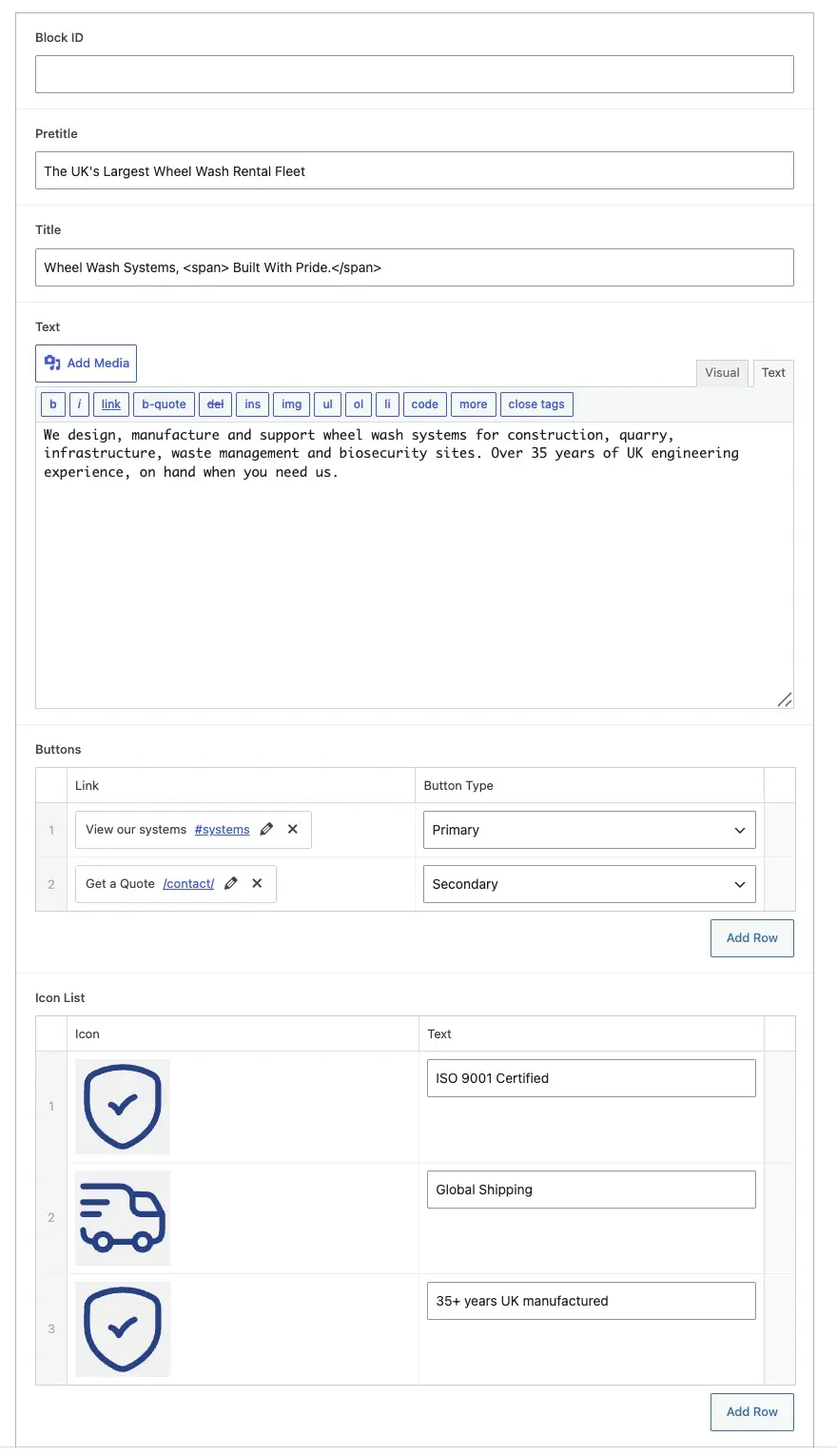
Agency themes often wrap a Gravity Forms or CF7 shortcode in an ACF form block with fields for section heading and sidebar copy. The block template renders do_shortcode() with a form ID selected in the block field. After form import, update block default form IDs in the block JSON or re-select in the editor on contact page.
Testing protocol
- 1Submit every form on staging with realistic test data.
- 2Confirm notification email arrives — check spam, Promotions, and quarantine.
- 3Verify CRM lead created with all fields mapped.
- 4Test required field validation and user-facing error messages.
- 5Test mobile layout and keyboard submit.
- 6File upload: confirm attachment in notification and media handling.
- 7Repeat on production immediately after launch with one live test per form.
Include forms in the migration QA checklist. For Thrive and staging workflow context, cross-link from project docs so QA assignees do not skip the forms pass.
Multi-step and conditional forms
Gravity Forms multi-page forms with conditional show/hide logic break easily when field IDs change after JSON import — walk through every branch: selecting 'Enterprise' shows company size field; selecting 'Other' reveals free-text. Conditional notifications (route to sales-west@ vs sales-east@) need re-testing per branch. WPForms and Ninja Forms have similar conditional engines — do not assume import preserved logic until proven.
Webhooks, Zapier, and Make.com
Zapier zaps listening for Gravity Forms webhooks often point at staging URLs if someone connected them during build. Audit Zapier, Make, and raw webhook URLs in form settings. Rotate webhook secrets if the old endpoints were exposed in version control. Send test payloads and confirm CRM custom fields still map — Salesforce and HubSpot field API names change when clients rename properties.
Third-party embeds vs native forms
HubSpot embeds, Typeform iframes, and Calendly widgets are not WordPress forms — they migrate by copying embed code and updating UTM parameters, not via GF export. Confirm cookie consent category allows marketing scripts if embeds load trackers. For clients splitting native GF for contact and HubSpot for gated content, document which pages use which — migrations confuse teams who assume one form plugin rule.
Accessibility and UX on rebuilt forms
- arrow_rightVisible labels on every field — not placeholder-only.
- arrow_rightError messages associated with inputs for screen readers.
- arrow_rightKeyboard tab order logical; focus visible on submit button.
- arrow_rightSufficient colour contrast on validation errors.
- arrow_rightAutocomplete attributes for name/email where appropriate.
- arrow_rightLoading state on submit — prevent double-submit on slow SMTP.
Documenting forms in the handover pack
Deliver a forms appendix: form name, page URL, plugin, ID, notification recipients, integrations, last test date, and who to contact when submissions stop. Clients change passwords and break SMTP without telling you — documentation reduces emergency debug calls.
Worked example: lead-gen site with five forms
A manufacturing client has: Gravity Form on contact page with file upload spec sheet; shorter GF on footer CTA widget area; CF7 on careers page (legacy, manual rebuild); HubSpot embed on gated whitepaper landing page; Elementor form on one old landing page being retired. Migration: export two GF definitions, rebuild careers CF7 manually, move HubSpot embed to new landing ACF block, 301 old landing to /resources/whitepaper/, reconfigure GF notifications to new sales distribution list client provided, regenerate reCAPTCHA keys for production domain, test file upload virus-scan path on new host. Forms pass blocks launch until all four native forms receive test submissions and HubSpot shows a test lead. Elapsed: one developer day — always in scope.
Hosting-specific mail pitfalls
Kinsta, WP Engine, and Flywheel restrict PHP mail() — WP Mail SMTP with SendGrid or Postmark is mandatory. Some hosts block outbound SMTP ports on staging — test on production-like environment. SPF records for the client's domain must authorize the sending service; marketing agencies forget this when the client owns DNS and replies 'we'll get to it.' Leads silently drop.
Spam volume after migration
New domains and fresh forms attract spam before CAPTCHA keys propagate. Monitor GF entry logs for the first fortnight — tighten honeypot, rate limits, or Akismet if spam floods client inboxes. A form that worked on the old site with invisible reCAPTCHA v3 may need score threshold tuning on the new domain.
Form styling and brand consistency
Gravity Forms inherits theme styles unevenly — budget CSS time so rebuilt forms match the new design system. CF7 requires explicit form markup classes. Do not leave default browser-styled inputs on a polished ACF marketing page — clients notice the disconnect in review even when submissions work.
Test forms like you test checkout — one real submission per form, per environment, with confirmation that the humans who need the data actually received it.
Forms are separate from page migration
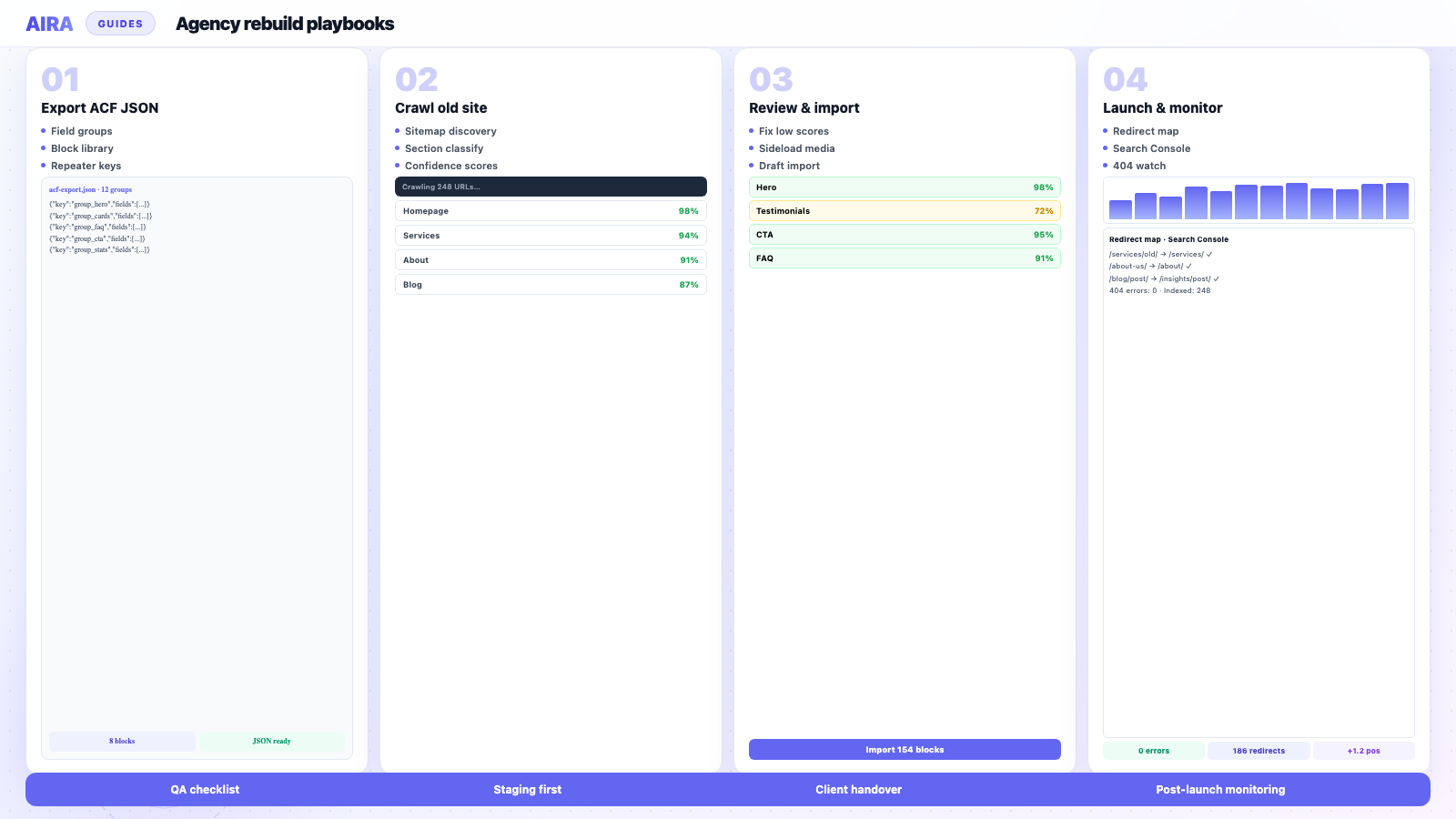
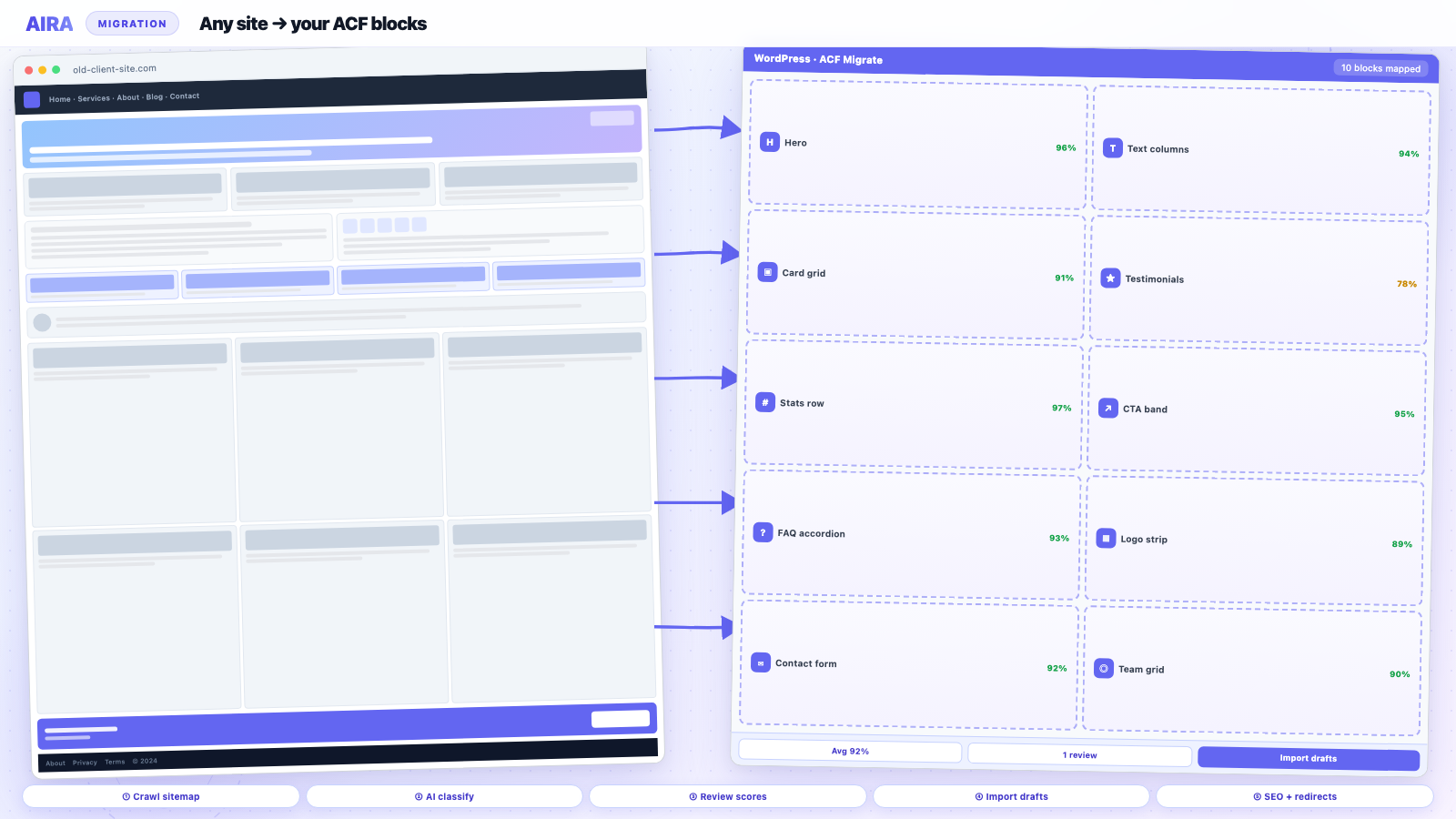
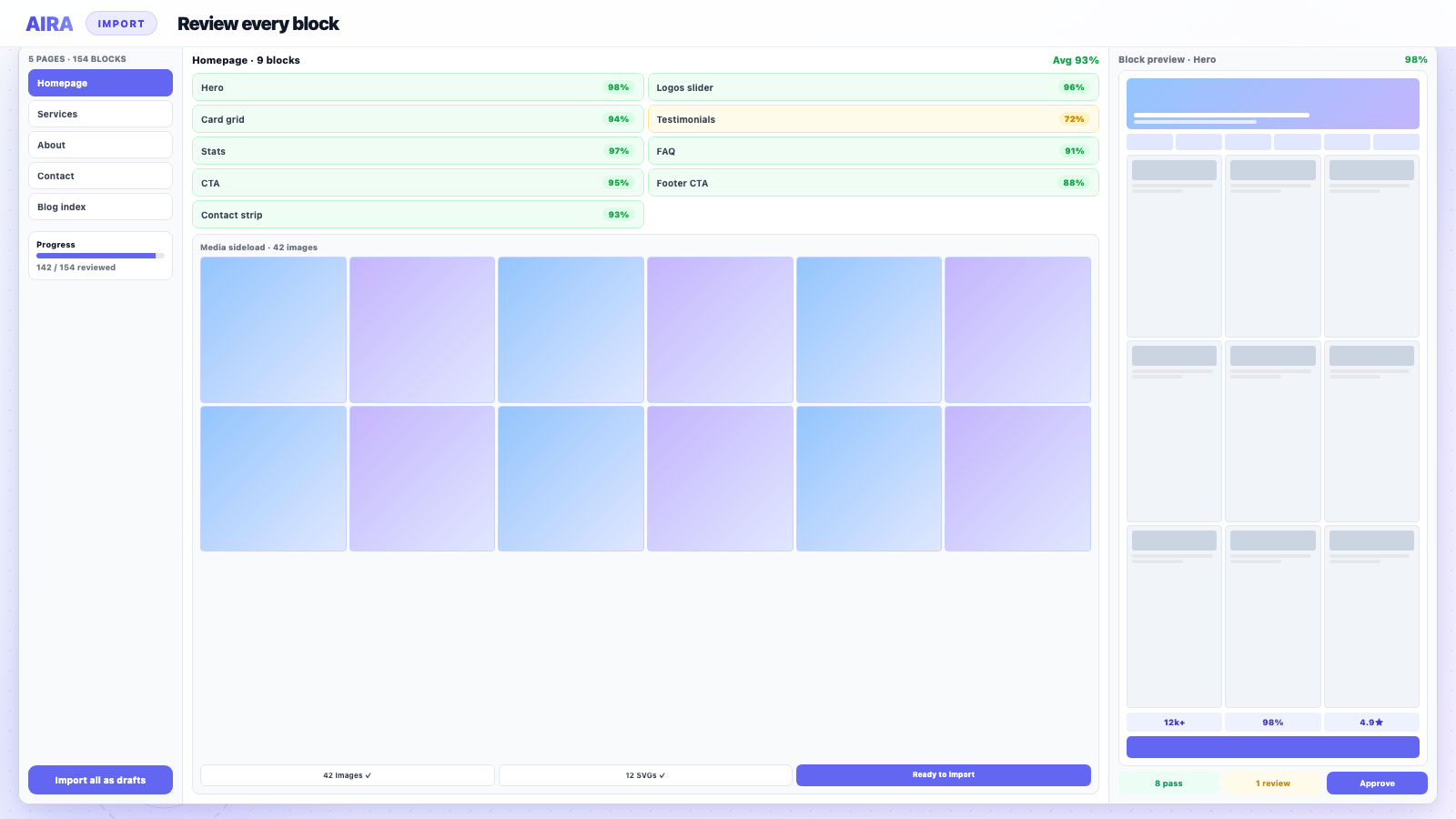
AIRA and page crawls do not migrate form plugins — this guide is mandatory on every rebuild with lead gen. Pair with menu migration for footer contact links and QA checklist for staging submission tests. Thrive or Elementor embedded forms: see Thrive migration or Elementor migration for inventory tips.
Frequently asked questions
Can I export Gravity Forms entries to the new site?expand_more
Form definitions export as JSON easily. Entry history is separate — use GF entry export, GFData, or archive on the old site depending on compliance requirements. Many clients only need forms working on the new site, not historical entries. GDPR may require retaining submission history — confirm with the client before discarding old entry data.
Why does my CF7 form show after migration but not send?expand_more
Usually SMTP misconfiguration, wrong mail() on the new host, or reCAPTCHA domain mismatch. Less often: mail tags in the form template do not match field names after manual rebuild.
Should we standardise on one form plugin across clients?expand_more
Most agencies standardise on Gravity Forms or CF7 for maintainability. Rebuilds are the right moment to consolidate off builder-native forms — budget the rebuild time in scope.
Do AIRA-migrated contact pages include working forms?expand_more
AIRA migrates page content and layout sections — not third-party form plugin configurations. Rebuild and embed forms separately; include form QA in every launch checklist.

Ryan Hale
Head of Front End Development
Ryan Hale is Head of Front End Development at AIRA, where he leads the team building the engine that migrates WordPress sites into native ACF blocks. He has spent more than a decade building and rebuilding WordPress sites for agencies, with deep, hands-on expertise in Advanced Custom Fields, Gutenberg block development, and large-scale content migrations that protect search rankings. He writes about ACF, moving off page builders like Elementor and Divi, and the practical craft of shipping fast, maintainable WordPress rebuilds.
Reviewed to our editorial guidelines.