WordPress content migration: 5 approaches compared
Manual copy-paste, WXR export, clone plugins, WP-CLI and ACF blocks migration tools compared — when to convert content to ACF blocks and when each approach…
verifiedReviewed by Tommy Smith,Content Director
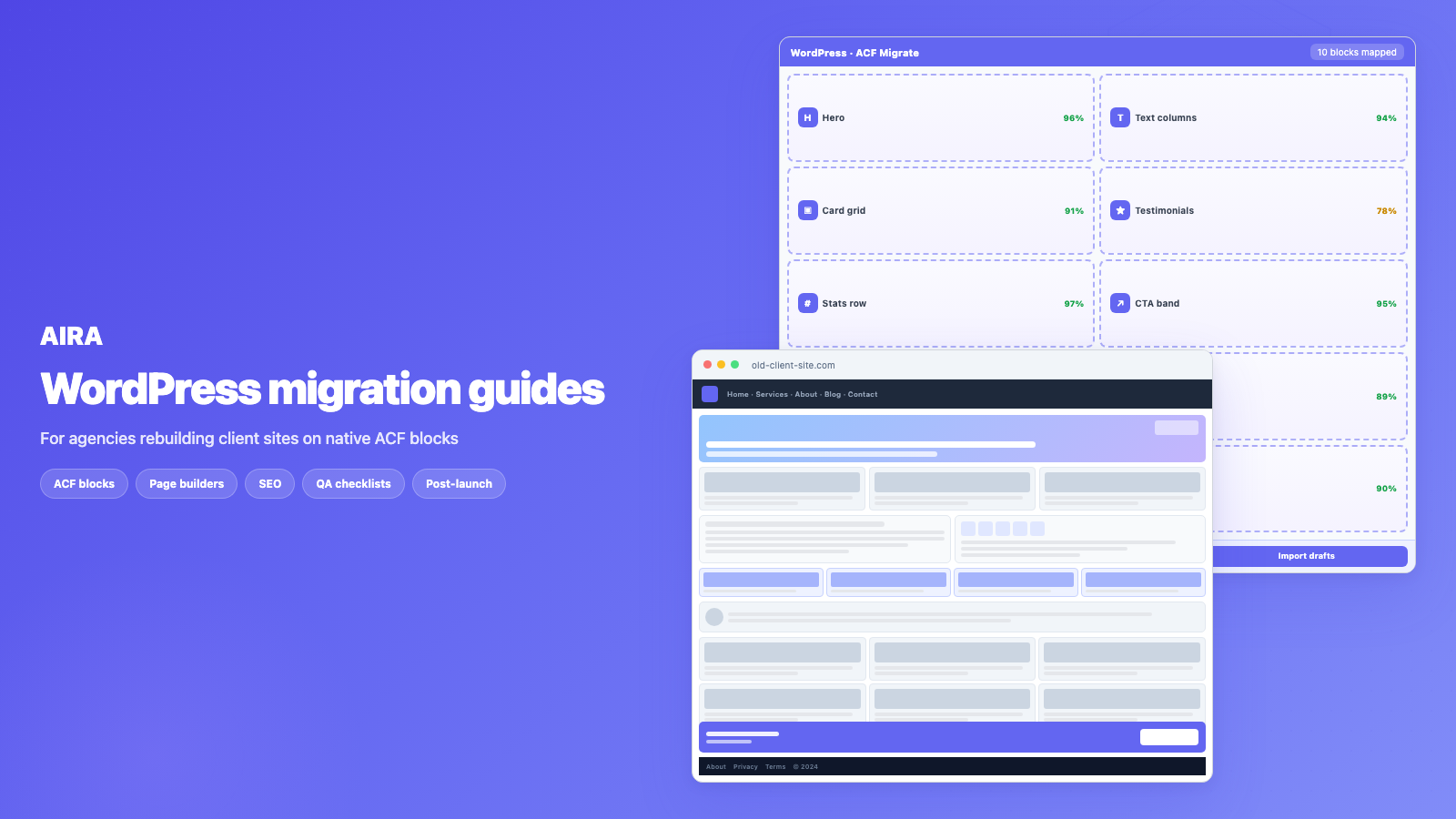
WordPress content migration falls into five approaches: manual copy-paste, WXR export/import, clone plugins, WP-CLI scripts, and AI section mapping. Use clone plugins for same-design host moves; use an ACF blocks migration tool when rebuilding into ACF Gutenberg blocks.
Who this is for
- Agencies: Choosing between manual work, import plugins, and AI classification per project.
- Freelancers: Picking the cheapest fit for a 20-page vs 200-page rebuild.
- Developers: Matching tool capabilities to data shape — CSV rows vs rendered sections.
Steps at a glance
- Classify the job — redesign vs database clone vs structured CSV import.
- Shortlist tools by content shape (rendered pages vs postmeta vs CSV).
- Run a proof-of-concept on one representative page.
- Combine tools if needed — e.g. AIRA for pages, WP All Import for products.
First, a distinction that saves a lot of confusion: moving a whole site to a new host (database and files, unchanged) is a different job from migrating content into a new design or structure. Clone and backup plugins handle the first. This guide is about the second — getting your content into a rebuilt site — and the five ways to do it. If you have quoted a rebuild and assumed export/import would handle the content, read this before you write the statement of work.
Site migration vs content migration
| Job type | What changes | Right tool |
|---|---|---|
| Site migration | Host only — same design, same database | Duplicator, All-in-One WP Migration, Migrate Guru |
| Content migration | Design, theme, block structure | WXR, manual mapping, AI classification |
| Hybrid | New host + new design | Clone to staging, then content migration on staging |
The five approaches
- arrow_rightManual copy-paste — zero setup, but loses structure, media and links. Only viable for a few simple pages.
- arrow_rightWXR export/import — the built-in Tools → Export. Great for standard posts and pages; weaker on media and page-builder/ACF layouts.
- arrow_rightClone / duplicate plugins — best for moving an identical site between hosts, not for re-structuring content into a new design.
- arrow_rightWP-CLI and SQL — powerful and scriptable for developers, but brittle and risky when the source and destination structures differ.
- arrow_rightAI-assisted mapping — reads each source page and classifies sections into your new blocks, handling media and links. Built for redesigns and ACF rebuilds.
1. Manual copy-paste
Open the old page. Open the new editor. Copy heading, paste. Copy paragraph, paste. Upload image again because it did not come across. Fix the link that still points at the old domain. Repeat for forty pages. Manual migration is accurate when done carefully and catastrophically slow at scale. It also introduces human error — missed repeater rows, wrong heading levels, forgotten alt text.
- arrow_rightBest for: 1–3 simple pages, emergency one-off transfers, content that is pure text.
- arrow_rightFails on: page-builder layouts, repeaters, nested columns, site-wide link rewriting.
- arrow_rightHidden cost: no confidence scoring — you only find mistakes at QA or after launch.
2. WXR export/import
WordPress Tools → Export produces a WXR (XML) file. Import it on the destination with the WordPress Importer plugin. Free, built-in, and genuinely useful for standard posts and pages between sites you control. It is not a redesign tool.
- arrow_rightGood for: blog posts, standard pages, bulk transfer of authors and categories.
- arrow_rightWeak on: media (attachment import often partially fails), page-builder markup, ACF field values on different block structures.
- arrow_rightGotcha: internal links still point at the old domain until you run a search-replace.
3. Clone and duplicate plugins
Duplicator, All-in-One WP Migration, WP Migrate DB — these copy the database and files. Perfect when the design stays the same and you are moving from SiteGround to Kinsta. Wrong tool when the client has approved a new bespoke theme with ACF blocks. You will clone the Elementor dependency along with the content.
4. WP-CLI and SQL scripts
Developers can script migrations with WP-CLI, custom PHP, or direct SQL. Powerful for search-replace across millions of rows, bulk user imports, or moving custom post types. But mapping a Divi blurb module to an ACF card grid repeater row is not a SQL problem — it is a structure problem. Scripts work when source and destination schemas align. They break when they do not.
- arrow_rightGood for: URL search-replace, bulk meta updates, CPT imports with identical field structures.
- arrow_rightRisky: direct SQL on production, serialized data corruption, one wrong replace breaking widget config.
- arrow_rightRequires: senior developer time — expensive for layout-heavy rebuilds.
5. AI-assisted section mapping
The modern approach for redesigns: use an ACF blocks migration tool or AI ACF blocks importer to crawl rendered source pages, classify each section into your target block library, and convert content to ACF blocks automatically. The tool extracts field values, sideloads images, rewrites internal links, and produces an importable bundle — generating automatic ACF blocks from your existing site instead of copy-paste. Uncertain sections fall back to an editable text block so nothing is lost.
Comparison table
| Approach | Handles redesign | Into ACF blocks | Media + links | Effort |
|---|---|---|---|---|
| Copy-paste | cancel | cancel | Manual | High per page |
| WXR export/import | Partly | cancel | Partial | Low |
| Clone plugins | cancel | cancel | Yes (same site) | Low |
| WP-CLI / SQL | Partly | Manual | Scriptable | High (dev) |
| AI mapping (AIRA) | check_circle | check_circle | Automated | Low |
How to choose
- 1Just moving hosts with the same design? Use a clone/backup plugin — you do not need content migration at all.
- 2Same structure, standard content, both sites yours? WXR export/import is the cheapest path.
- 3Rebuilding the design, or moving into ACF blocks? Map the content into the new structure — that is where copy-paste and WXR fall down.
- 4Page-builder source (Elementor, Divi, WPBakery)? Crawl rendered pages — never import raw shortcodes.
- 5Large site (50+ pages)? Manual is not economical — automate classification and review.
Decision checklist for agency rebuilds
- 1Define destination block library and export ACF JSON before choosing a tool.
- 2Count indexable pages and identify page-builder vs standard content.
- 3Check whether URLs change — any slug change needs a redirect map regardless of migration method.
- 4Estimate review time: homepage and key landing pages always take longer.
- 5Stage everything — never import directly to production without QA.
- 6Document which approach you used per content type (blog vs pages vs CPT).
Common mistakes
- arrow_rightUsing a clone plugin for a redesign — copies the old builder lock-in to the new host.
- arrow_rightAssuming WXR import handles Elementor — you get shortcodes, not ACF field values.
- arrow_rightNo media verification after WXR import — broken images discovered at launch.
- arrow_rightSkipping internal link rewrite — every link still points at the old staging domain.
- arrow_rightTreating AI output as publish-ready — always review confidence flags.
- arrow_rightNo redirect map when URLs change — organic traffic drops three weeks post-launch.
- arrow_rightUnder-scoping review time on the homepage — it has the most sections and the most SEO equity.
AIRA targets the redesign case: crawl the old site, classify each section into your ACF blocks, sideload media, rewrite internal links, and generate a redirect map. Start with how to migrate a WordPress site into ACF blocks or the migration checklist. Agencies running multiple rebuilds per quarter typically standardise on AI mapping for builder-heavy sources.
Cost comparison for a 40-page rebuild
| Approach | Estimated time (40 pages) | Typical cost at agency rates |
|---|---|---|
| Manual copy-paste | 80–120 hours | £6,000–£12,000 |
| WXR + manual layout fix | 40–60 hours | £3,000–£6,000 |
| WP-CLI + custom scripts | 20–40 hours (senior dev) | £2,000–£5,000 |
| AI mapping + review | 8–16 hours | £600–£2,000 + tool credits |
These are order-of-magnitude estimates — page complexity, builder type, and review standards shift them. The point is that tool choice affects margin directly. Quoting a rebuild at fixed price without scoping the migration method is how agencies lose money on builder-heavy sites.
Hybrid workflows that work
Smart agencies mix approaches. Blog posts and news articles — often standard WordPress content without page-builder markup — import via WXR. Page-builder pages go through AI mapping. Custom post types with identical field structures on source and destination migrate via WP-CLI. Forms, popups, and shop templates get rebuilt manually. Document which method you used for each content type in the handover — the client will ask in six months.
Evaluating migration tools
- 1Does it handle your source builder (Elementor, Divi, WPBakery, Breakdance)?
- 2Does it map into your destination block library — or a generic one?
- 3Does it sideload media and rewrite internal links automatically?
- 4Is there a review step with confidence scores before import?
- 5Is there a fallback for ambiguous sections — or does content get dropped?
- 6Does it generate a redirect map for URL changes?
- 7What is the per-page cost vs developer hours saved?
Scope migration by content type
Not every content type on a WordPress site needs the same migration approach. Standard blog posts — written in the classic editor or Gutenberg without page-builder markup — often import cleanly via WXR. Landing pages built entirely in Elementor need full section mapping. Custom post types like team members or testimonials may already store structured data in meta fields that WP-CLI can move directly. Team members in ACF on the old site and ACF on the new site with the same field keys? That is a meta migration, not a crawl. Map each content type before you pick one tool for everything.
Red flags in migration tool marketing
- arrow_right'One-click migration' for page-builder sites — no review step means dropped content.
- arrow_rightGeneric block libraries that do not match your design — you re-style everything anyway.
- arrow_rightNo rendered-page crawl — parsing shortcodes or post meta directly.
- arrow_rightNo media sideloading — broken images on every page.
- arrow_rightNo redirect map output — SEO cliff three weeks post-launch.
- arrow_rightPer-site pricing that exceeds developer time saved on small sites.
Documenting the migration for handover
Whatever tool you use, document it in the client handover pack: which pages migrated automatically, which were manual, which content types used WXR vs mapping, where forms were rebuilt, and what still needs client action. This prevents the 'why does this page look different from what we migrated?' conversation six months later when an editor edits a repeater for the first time. Good migration documentation is as important as good migration execution.
For rebuilds into ACF blocks, the full pipeline is: register blocks, export JSON, crawl, classify, review, import bundle, QA, publish. AIRA handles crawl through bundle. The free ACF Migrate plugin handles import. Your agency handles block development, template rebuilds, and client training. See import bundle guide for the WordPress-side steps.
Pick the tool for the job you actually have — not the job you wish you had. Host moves and redesigns are different problems.
Frequently asked questions
What is the difference between site migration and content migration?expand_more
Site migration moves an entire site to a new host with the same design and database — clone plugins do this. Content migration moves your content into a new design or structure (a rebuild), which is a different problem that export/import and mapping tools address.
Is there a free way to migrate WordPress content?expand_more
Yes — the built-in Tools → Export/Import (WXR) is free and works well for standard posts and pages between sites you control. It is weaker on media and on page-builder or ACF layouts, where a mapping approach gives cleaner results.
What is the best WordPress migration plugin for redesigns?expand_more
There is no single clone plugin that handles redesigns well. For moving into a new ACF block structure, you need section-level content mapping — not a database clone. AI-assisted tools like AIRA are built for this; clone plugins are built for host moves.
Can WP-CLI migrate Elementor to ACF blocks?expand_more
WP-CLI can move database rows, but it cannot classify an Elementor section into an ACF hero block with the correct field values. That requires reading rendered content and mapping structure — a job for classification tooling, not SQL.
How do I migrate media between WordPress sites?expand_more
WXR import attempts to sideload attachments but often fails partially. Mapping tools sideload images during classification. Always verify the Media Library after import and re-host anything that 404s.
Does All-in-One WP Migration work for theme changes?expand_more
It copies the entire site including the old theme and builder data. If you import into a new design, you are fighting the cloned old structure. Use it for host moves; use content mapping for redesigns.
When is manual migration still the right call?expand_more
One or two simple pages, a landing page with no builder, or a proof-of-concept before committing to a full automated crawl. Beyond a handful of pages, the error rate and time cost favour automation.
What is AI mapping in WordPress migration?expand_more
AI reads each rendered page section and classifies it into your target block library — hero, cards, testimonial, etc. — then extracts field values. Deterministic code handles URLs, images, and import. Humans review before publish.
How much does automated content migration cost?expand_more
AIRA charges per page at commit time — see pricing. Compare against developer days for manual copy-paste on a 40-page Elementor site and the ROI is usually clear for builder-heavy sources.
Can I combine WXR and AI mapping?expand_more
Yes. Import blog posts via WXR (they are often standard content) and run AI mapping on page-builder pages. Match the tool to the content type rather than forcing one approach on everything.
What should I deliver to the client after migration?expand_more
Published pages, redirect map, SEO metadata verification, editor training on the new blocks, and documentation of what was migrated vs manually rebuilt (forms, popups, shop templates).

Ryan Hale
Head of Front End Development
Ryan Hale is Head of Front End Development at AIRA, where he leads the team building the engine that migrates WordPress sites into native ACF blocks. He has spent more than a decade building and rebuilding WordPress sites for agencies, with deep, hands-on expertise in Advanced Custom Fields, Gutenberg block development, and large-scale content migrations that protect search rankings. He writes about ACF, moving off page builders like Elementor and Divi, and the practical craft of shipping fast, maintainable WordPress rebuilds.
Reviewed to our editorial guidelines.



