How AI is changing WordPress content migration
How an AI ACF blocks importer converts content to ACF blocks — section classification, confidence scores, and where deterministic code still beats language…
verifiedReviewed by Tommy Smith,Content Director

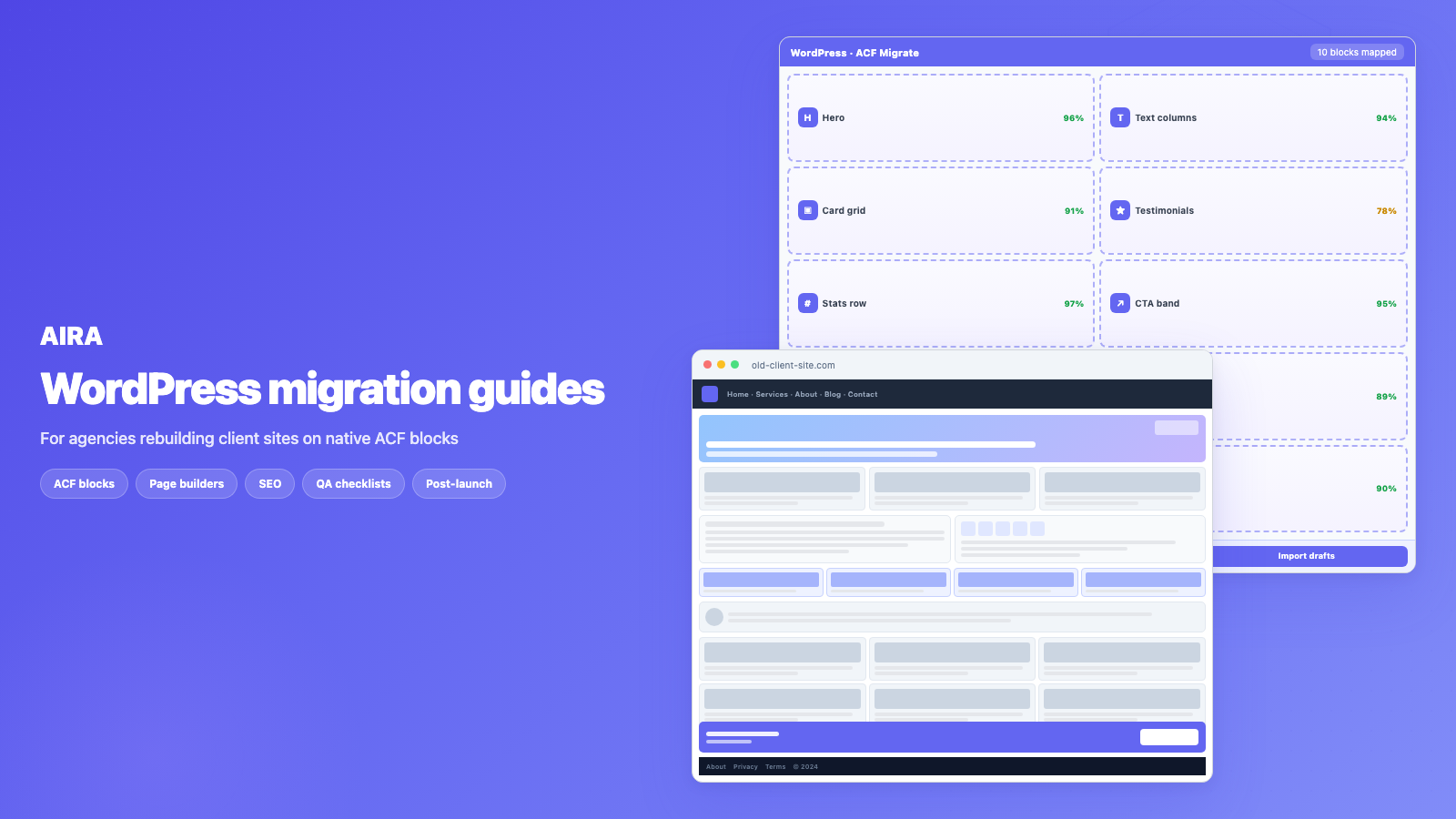
AI helps WordPress migration when an AI ACF blocks importer classifies rendered sections and generates automatic ACF blocks from your existing site — not when it guesses field keys. Pair AI with human review and deterministic import.
Who this is for
- Agencies: Evaluating where AI saves margin on rebuilds vs where it adds risk.
- Freelancers: Understanding hype vs practical classification use cases.
- Developers: Architecting human-review gates around AI block mapping.
Steps at a glance
- Separate text extraction (solved) from section classification (AI's lane).
- Require confidence scores and human review before import.
- Keep import deterministic — serialize_block(), not raw HTML paste.
- Measure time saved on a real 30-page crawl before standardising.
Content migration has always been the unglamorous tax on a redesign. For years there were two options: do it by hand, or write brittle scraping scripts that broke the moment a theme changed. An AI ACF blocks importer changes the economics — it can convert content to ACF blocks and produce automatic ACF blocks from your existing site — but only when pointed at the right problem. This guide separates hype from workflow.
The three eras of migration
- 1Manual: a person opens the old page and the new editor side by side and copies content across, field by field. Accurate, slow, expensive.
- 2Scripted: developers write regex or DOM scrapers tied to specific markup. Fast when it works, fragile when the source varies even slightly.
- 3AI-assisted: a model reads each section in context and classifies it into a target block, filling fields — with graceful fallback when unsure.
Most agencies still live between era one and era two. Era three is viable when the pipeline keeps humans in the review loop and never treats model output as publish-ready without checks.
Where AI genuinely helps
The hard problem in migration is not reading text off a page — it is judgement. Is this three-column section a 'features' block or a 'services' block? Is this quote a testimonial or a pull-quote? That classification is what language models handle well, because they read surrounding context the way a person would.
- arrow_rightSection classification: matching ambiguous content to the right block type in your ACF library.
- arrow_rightField extraction: pulling heading, body, image and link out of messy markup into clean fields.
- arrow_rightBlock labelling: describing what each registered block is for, so mapping rules write themselves.
- arrow_rightConfidence scoring: flagging sections that need human review instead of silent wrong guesses.
- arrow_rightFallback blocks: uncertain sections become editable text blocks so content is never dropped.
This is qualitatively different from asking a model to 'migrate my site' in one prompt. Production migration is per-section classification against your ACF JSON export — field keys and block names are ground truth, not model invention.
Where determinism still wins
You do not want a model guessing at tasks with a single correct answer. These steps should run the same way every time:
- arrow_rightDiscovering URLs from a sitemap or crawl seed list.
- arrow_rightFetching rendered HTML at stable public URLs.
- arrow_rightSideloading images into the WordPress Media Library with correct attachment metadata.
- arrow_rightRewriting internal links from a URL map.
- arrow_rightSerialising Gutenberg block markup with valid field keys.
- arrow_rightGenerating redirect CSV from old path to new path inventory.
- arrow_rightImporting bundle.json via the ACF Migrate plugin as drafts.
The hybrid pipeline agencies use
The best production systems combine both halves. Deterministic code owns the skeleton; AI owns judgement calls inside it.
- 1Crawl old site; normalise HTML per section.
- 2Load ACF block library and field definitions from JSON export.
- 3For each section, model classifies block type and proposes field values.
- 4Confidence below threshold → fallback text block, flagged for review.
- 5Deterministic validator checks required fields, image URLs, link formats.
- 6Human reviews flagged pages and spot-checks high-traffic URLs.
- 7Import drafts; run QA checklist before publish.
That is the principle behind AIRA: AI classifies and fills blocks; deterministic code handles crawling, media and import; there is always a safe fallback so you never lose content.
What AI migration is not
- arrow_rightNot a magic 'export Elementor to ACF' button — builders store shortcodes, not semantic sections.
- arrow_rightNot a replacement for URL mapping, redirects or SEO preservation.
- arrow_rightNot 100% hands-off — review remains essential on homepages, forms and custom components.
- arrow_rightNot dependent on your API keys when run as a managed service — browser-exposed keys are a security anti-pattern.
- arrow_rightNot a substitute for rebuilding template parts, mega menus and global headers in the new theme.
Accuracy, confidence and review
Clients ask 'is AI migration accurate enough to trust?' The honest answer: accurate enough to replace manual rebuilding when you have confidence scores and a review gate — not accurate enough to skip QA.
Practical review strategy: sort pages by lowest average confidence; manually fix those first. Spot-check top 20 URLs by Analytics traffic regardless of score. Builder-specific guides — Elementor, Divi, Avada, Bricks — note which elements always need human eyes.
Economics for agencies
Manual migration on a 40-page Elementor site is often 80+ developer hours. AI-assisted classification reduces that to a review pass — typically one to two days — which changes how you quote rebuilds. Show clients the per-page maths in proposals; see how long a rebuild takes.
Compare approaches in content migration tools compared. AI fits when the destination is a defined ACF block library and the source is heterogeneous builder output.
Choosing a migration approach
| Approach | Best for | Weak when |
|---|---|---|
| Manual copy-paste | Under 5 simple pages | Builder layouts, scale |
| Regex / DOM scripts | Uniform legacy HTML | Source markup varies |
| AI-assisted classify | ACF block destination, mixed sources | Block library not finalised |
| WXR import | Same stack clone | Different builders/themes |
Security and data handling
Client content may include PII in form entries, team bios, and unpublished draft pages. Treat migration tooling like any subprocessors: DPA coverage, data residency, retention policy, and whether content is logged during classification. Browser-based 'paste your API key' tools expose credentials and send page HTML through untrusted extensions — avoid on client work.
Future-proofing the block library
AI classification quality rises when block names and field labels are semantically clear. A block called 'Section 7' classifies worse than 'Testimonial carousel'. Invest in block descriptions in your ACF JSON — they become prompts for classification rules and editor training docs simultaneously.
Human review workflow in practice
Assign a single migration reviewer per project — someone who knows the ACF library, not a rotating junior. Review order: lowest confidence pages first, then top-traffic URLs regardless of score, then random 10% sample of the remainder. Track fixes in a spreadsheet: page slug, issue, fix type. Patterns (e.g. every fusion_tabs maps wrong) feed back into block descriptions or manual mapping rules for phase two imports.
When AI is not worth enabling
Five-page brochure site with Classic Editor — manual is faster than pipeline setup. Highly custom interactive pages with calculators and maps — bespoke dev either way. Block library still changing weekly during design — wait until ACF JSON is stable or you re-run classification after every field rename.
Integrating AI classification into agency delivery
Treat AI migration as a production line station, not a side experiment. Slot it after block library sign-off and before client content review. Developer runs crawl and import; content editor reviews drafts in Gutenberg; SEO lead verifies metadata on top URLs in parallel. Standups track pages reviewed vs pages imported — same as design tasks. Pricing: per-page review minutes times page count, plus fixed pipeline setup. Clients who understand 'you are paying for review, not typing' accept faster timelines without assuming zero human cost.
Measuring migration quality
Track metrics per project: percent pages imported without fallback blocks, average confidence score, review minutes per page, post-launch content-related 404 count. Compare manual vs AI-assisted projects retrospectively — agencies that measure justify tool spend to partners. Low confidence on every homepage section means block library labels need work, not that AI failed.
Client conversations about AI migration
Position AI as classification and extraction, not content rewriting. Clients nervous about AI changing their tone need assurance that source copy is preserved field-by-field. Show a side-by-side of old rendered section and imported ACF block fields.
Explain confidence scores in proposal language: "We review every page; uncertain sections are flagged, not published blindly." That framing sells speed without selling recklessness — critical for regulated and B2B clients.
Tool evaluation criteria for agencies
When evaluating AI migration tools, ask: does it require my API keys in the browser? Does it read rendered HTML or database shortcodes? Does it output ACF field keys from my JSON export or invent field names? Is there a fallback block? Can I get redirect and link rewrite in the same bundle? Can I import as drafts? Negative answers on more than two means you are buying a demo, not a pipeline. Run a pilot on five ugly pages before committing a forty-page client project.
Re-run classification on pages where the client restructures ACF blocks mid-project — field renames invalidate earlier mappings.
Summary
AI helps WordPress migration at the classification layer — matching messy sections to your ACF blocks with review and fallback. Crawl, media, links and import stay deterministic. The economics change when review replaces rebuild on builder-heavy sites.
Bundle AI migration pricing with review hours, not unlimited fixes — scope creep arrives when clients treat review as unlimited redesign. Cap included review minutes per page in the SOW; overage bills at day rate.
Pilot project structure
Week one: five-page pilot, block library frozen, review rubric agreed. Week two: batch import remaining pages. Week three: QA and launch. Skipping pilot on a fifty-page Avada site is how agencies discover fusion_portfolio mapping gaps on launch eve.
Pilot pages should include the hardest layout, not the easiest — homepage, not contact.
Store pilot project confidence score averages in your wiki — they become benchmarks when quoting the next Elementor or Avada migration.
The agencies winning on migration speed pair AI classification with frozen block libraries and disciplined review — not with skipping QA to beat a competitor quote.
Document which pages used fallback text blocks in the handover — editors should know those pages need a second polish pass when bandwidth allows.
Freeze the ACF JSON export hash in project notes when classification starts — any field rename after that hash should trigger a targeted re-run, not guesswork.
Where AI fits in the full migration stack
AI classification speeds section mapping — it does not replace redirect planning, CPT registration, or forms rebuilds. Updated cluster: agency workflows 2026, when to use AI, tools compared. Product workflow: how to use AIRA. Definitions: glossary. Human steps AI cannot skip: CPT migration and menu migration.
Frequently asked questions
Is AI migration accurate enough to trust?expand_more
For classification and field extraction, yes — with confidence scores and a review step before import. Uncertain sections fall back to an editable block rather than being dropped or wrong-published.
Do I need my own AI API key to use AI migration?expand_more
With AIRA, no. AI classification runs on our servers and is covered by your credits — no separate API keys, and content is not exposed to the browser.
Can AI migrate Elementor or Divi sites automatically?expand_more
AI classifies rendered sections into your blocks — it does not convert shortcodes directly. Keep the builder active, crawl the front-end, then classify. Deactivating the builder before crawl produces broken source HTML.
What does AI do vs what code does in a migration pipeline?expand_more
AI: section classification, field extraction, ambiguous layout judgement. Code: crawl, image sideload, link rewrite, block serialisation, redirect CSV, draft import.
How do confidence scores work?expand_more
Each classified section receives a score based on how well it matched your block library. Low scores route to fallback blocks and appear in a review queue. Thresholds are tunable per project.
Will AI hallucinate content during migration?expand_more
A well-designed system extracts from source HTML only — it does not invent copy. Risk is misclassification (wrong block type), not fabricated text. Review catches structural mistakes.
Does AI migration replace the WordPress migration checklist?expand_more
No. It accelerates stage three (content). Inventory, redirects, SEO and launch verification still follow the full [migration checklist](/blog/wordpress-migration-checklist).
When should I still migrate manually?expand_more
Very small sites (under five pages), highly bespoke interactive components, or when the destination block library is not finalised. AI needs a registered ACF export to map against.
How does AI migration affect project timelines?expand_more
Typically compresses content migration from weeks to days on builder-heavy sites. Design and template build timelines are unchanged.
Is my content used to train models?expand_more
Check your vendor policy. AIRA processes content for your migration job — treat sensitive client data under your DPA and hosting agreements as you would any subcontractor.

Ryan Hale
Head of Front End Development
Ryan Hale is Head of Front End Development at AIRA, where he leads the team building the engine that migrates WordPress sites into native ACF blocks. He has spent more than a decade building and rebuilding WordPress sites for agencies, with deep, hands-on expertise in Advanced Custom Fields, Gutenberg block development, and large-scale content migrations that protect search rankings. He writes about ACF, moving off page builders like Elementor and Divi, and the practical craft of shipping fast, maintainable WordPress rebuilds.
Reviewed to our editorial guidelines.